



🔍 How to Find Mentions in Meltwater (Beginner Guide)

Sometimes you don’t need a full dashboard—you just need to find one specific article or post.
Let’s say you’re trying to find this article by Buzzfeed about Justin Bieber’s Coachella performance:
“Justin Bieber Casually Took Us Through Every Era Of His Career At Coachella, And I’m Emotionally Unwell About It”
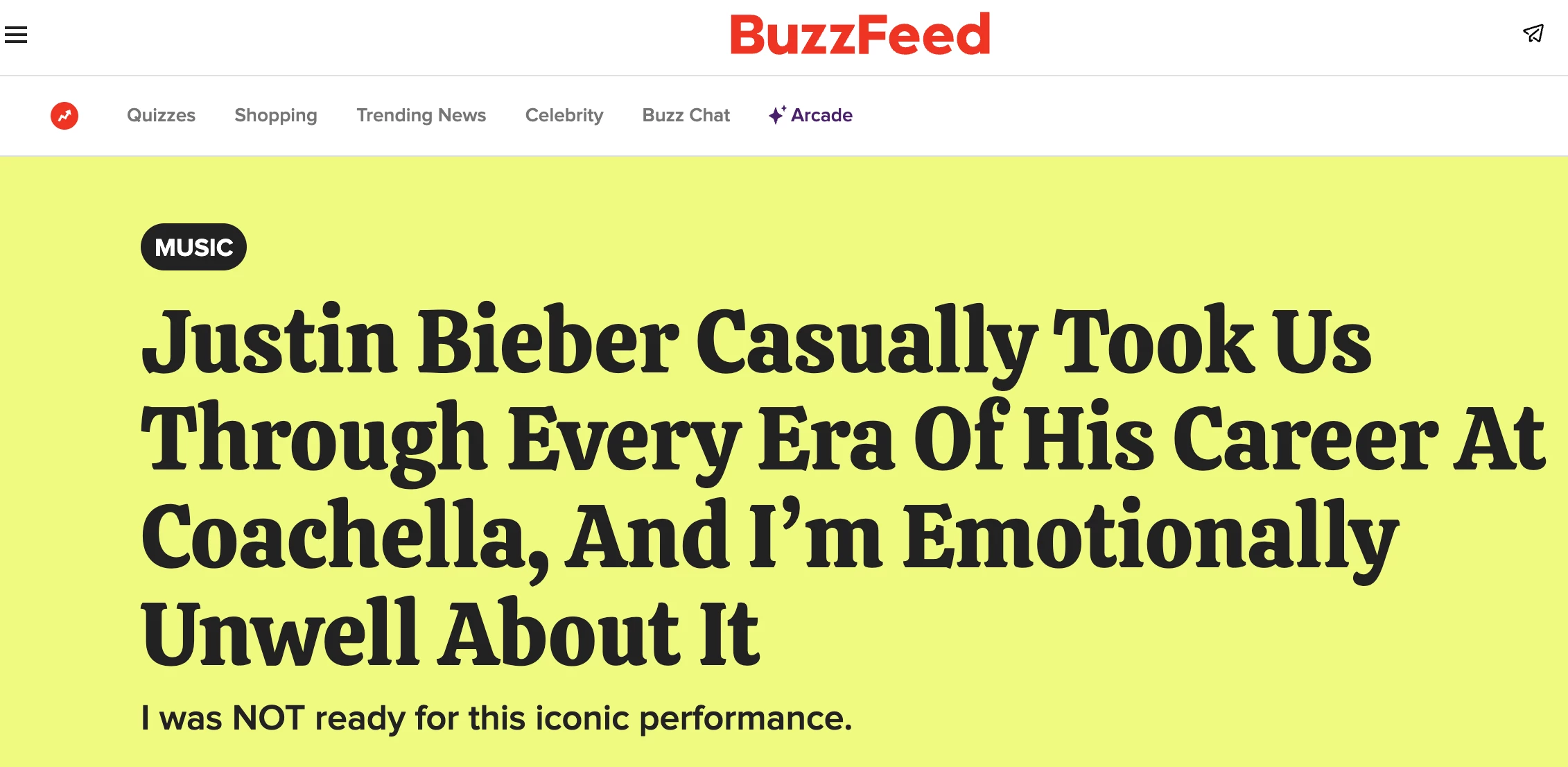
Here’s the fastest way to find it in Meltwater.
Option 1: Use Keyword Search (If you know title)
If you have the article title:
Option 2: Use Advanced Search (if you have the exact URL)
If you already have the article link, this is the fastest way to find a single, exact match.
Use this operator: url:"full-article-link*"
Option 3: Use Mira Companion (if you have the exact URL)
If you already have the article URL, you can quickly pull it into Meltwater using Mira.
Option 4: Use Source Type Filter (You don’t know title or URL)
If looking in your Explore search results and you can’t find the article. You can narrow the results down by using the Source Type Filter.
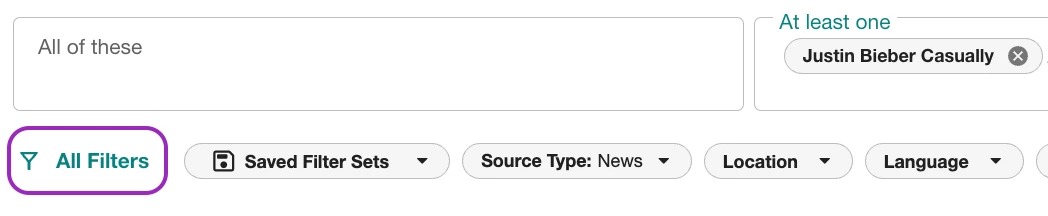
To filter by a specific website:
- Click All Filters
- Select dropdown arrow next to News under Source Type
- In the News search field, type the name of the website or paste the URL
- Check the box next to the correct website
- Click Apply to update results
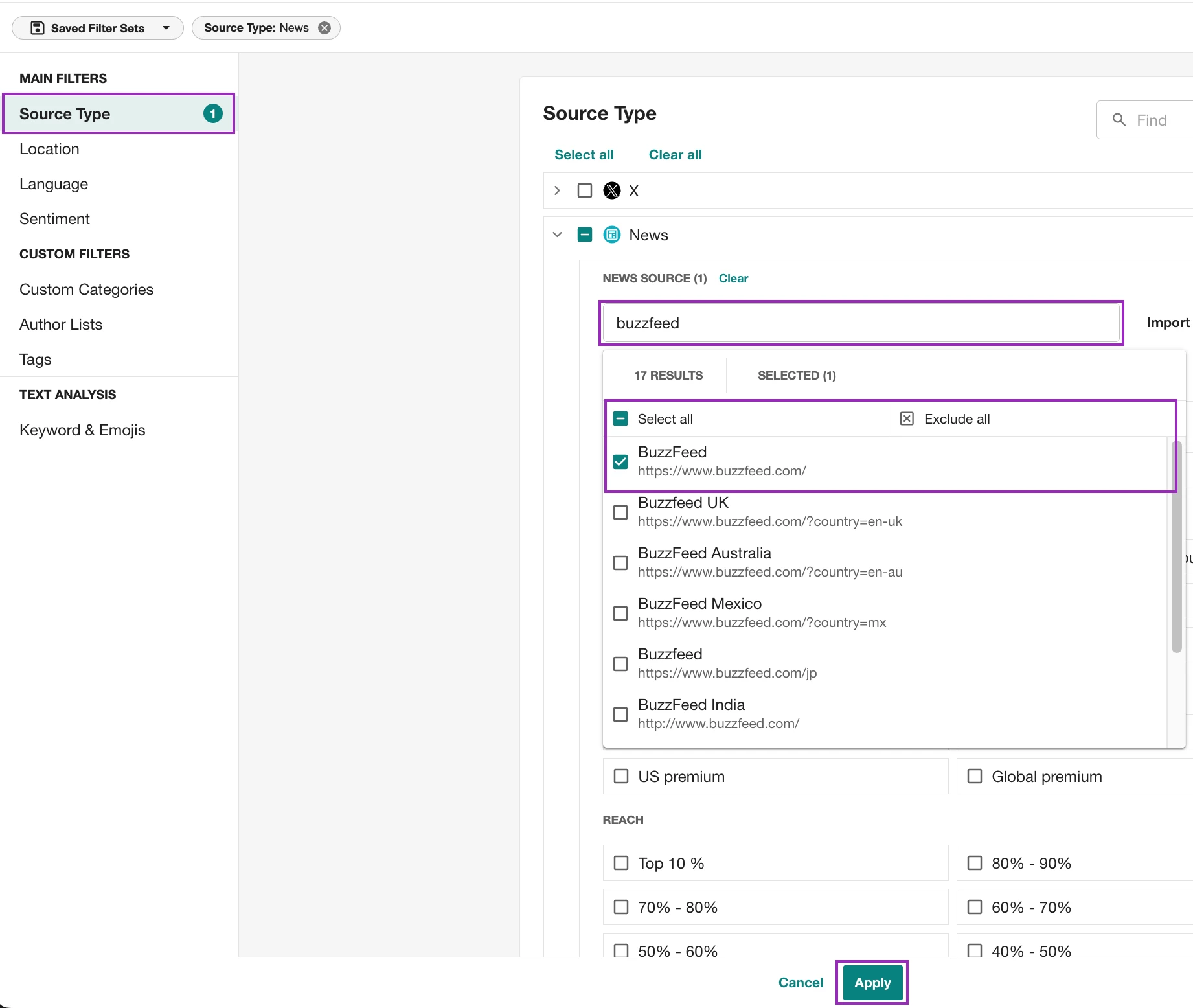
👉 This helps you quickly narrow results to a single publisher so you can find the exact article faster
What Should I Do Next?
Finding one mention is often the first step—once you have it, tag the mention so you can easily find it later or include it in reporting.
From there, you can start spotting trends, coverage patterns, or building out a full dashboard.
👉 Learn how to organize mentions with tags
Still Can't Find the Article?
If you've tried the steps above and the article still doesn't appear, open our Mel Help Chat in the bottom-right corner of Meltwater or email help@meltwater.com with the article URL. Our Support team can investigate whether the publication is tracked or whether the article was missed during collection.