



What’s the Difference Between Monitor and Explore?

If you’re new to Meltwater and not sure when to use Explore vs. Monitor, you’re not alone. Both tools show media coverage — but they serve very different purposes.
Let’s break it down for you.
🧵 Start With the Question You’re Trying to Answer
Let’s say you’re on the comms team at Sephora and just launched a new 2026 campaign. You’re logging into Meltwater to figure out what people are saying.
Start by asking yourself:
❓ “How do I look up my brand in Meltwater?”
→ Use Explore to run a search for your brand, campaign, or product using keywords or hashtags.
❓ “How can I see what people are saying about us right now?”
→ Use Monitor to view saved searches and a live feed of real-time news + social media mentions.
❓ “Where can I search for past coverage about my brand?”
→ Use Explore to scroll back through mentions by date, topic, or media type quickly.
❓ “How do I track what’s being said on TikTok or Instagram?”
→ Use Monitor for fast visibility or Explore for deeper analysis.
❓ “How can I search for competitors?”
→ Use Monitor to stay updated daily with your saved search(es) or Explore for quick AI Search Assistant briefs.
The bottom line?
- Use Explore for looking things up or reporting.
- Use Monitor for staying in the know in real-time.
Let’s walk through the first and most common scenario. You want to know:
“How do I look up mentions of Sephora this week?”
🔎 Try It Out - Explore Style
This is your search engine and analysis tool.
- Click Explore in the left-hand navigation bar
- Open an existing search or create a search (learn how to Create a Search.)
- Adjust the date range to view this week
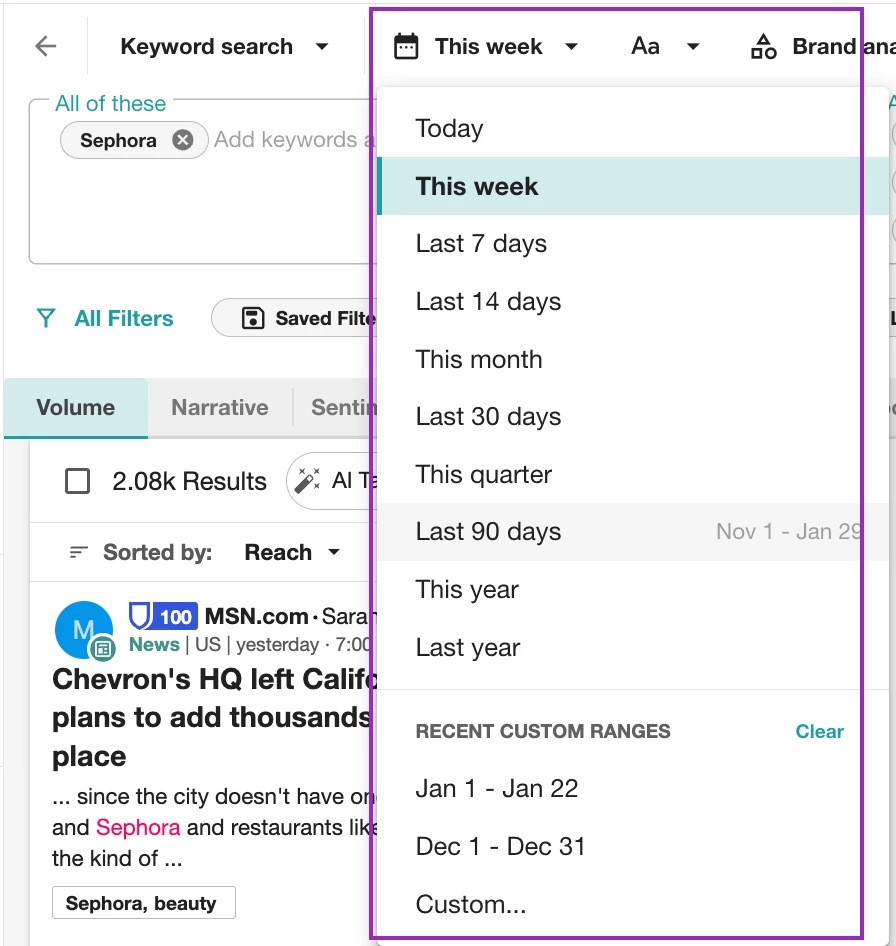
- Filter by media type, location, sentiment, and more

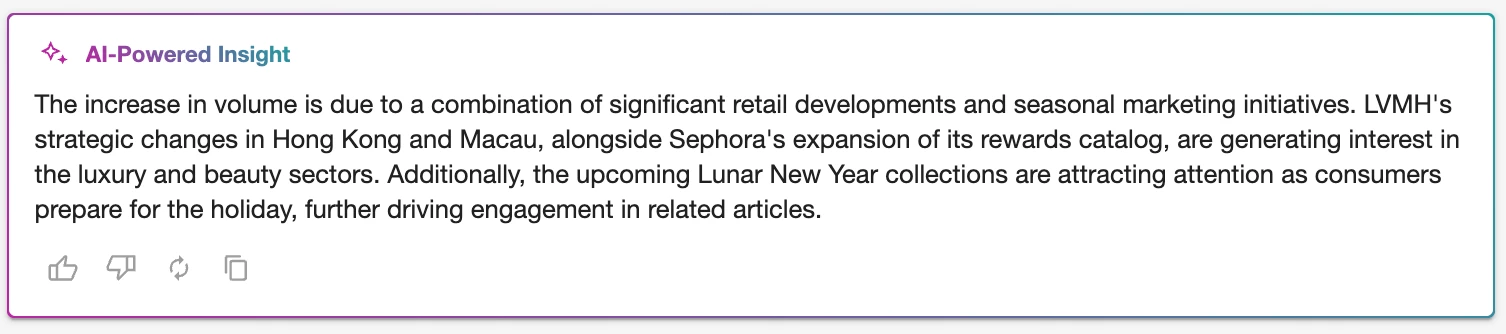
- Review the AI-Powered Insight to start measuring trends
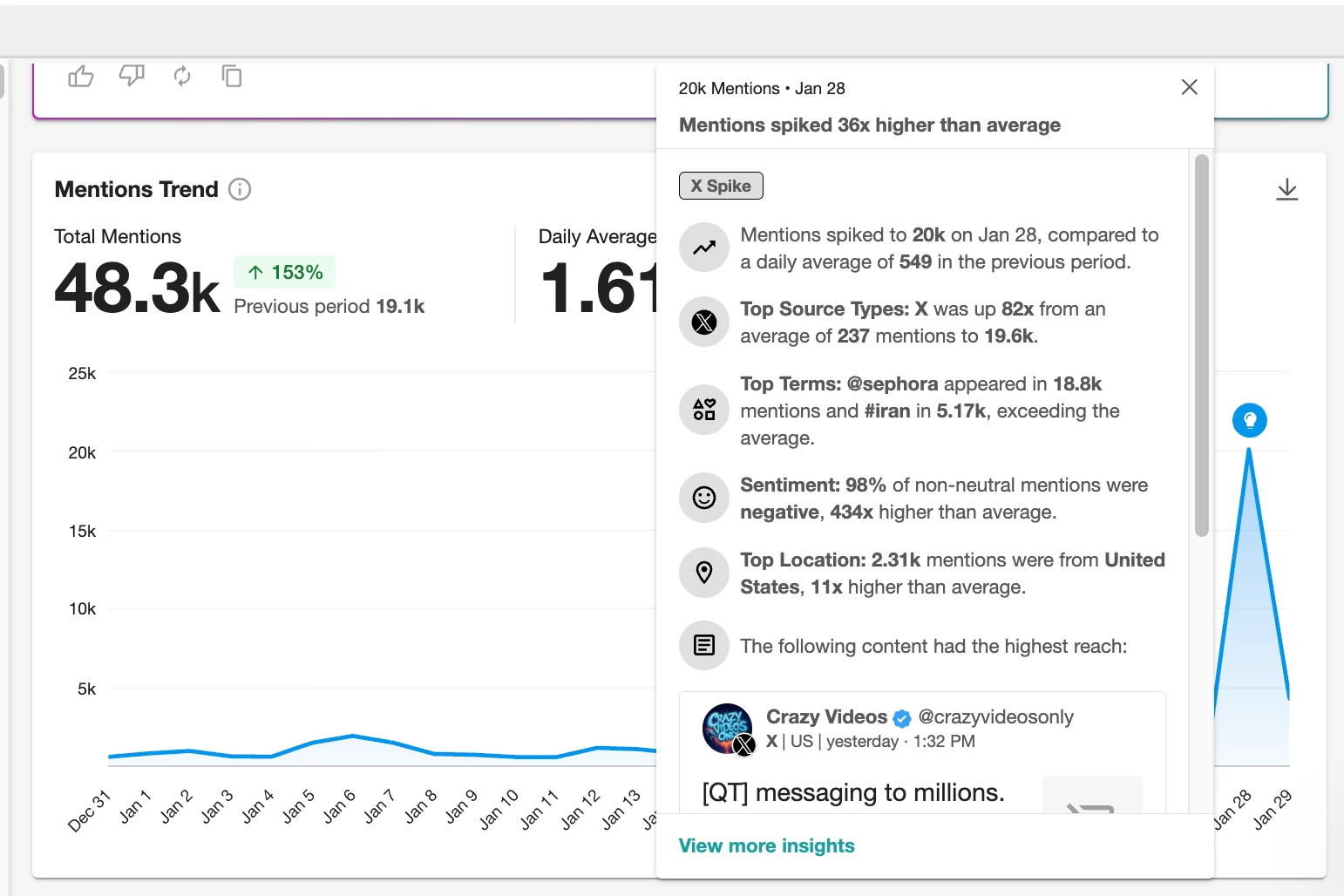
- Track spikes, sentiment, sources, and volume
- Save your search in order to use it in Monitor
👀 Use Monitor To Watch
This is your live stream view of saved Explore searches and what’s being said right now.
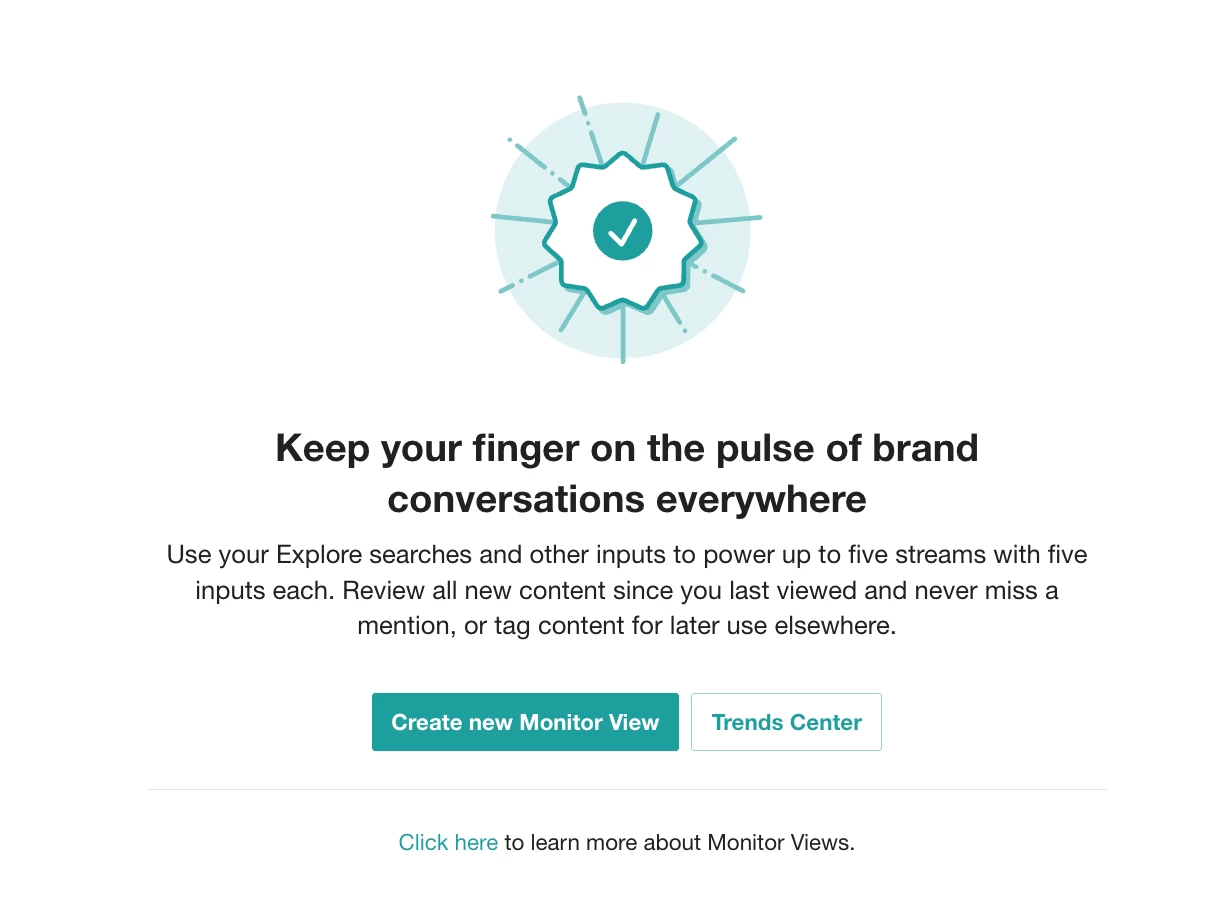
- Go to Monitor in your left-hand nav. Note: If you are visiting Monitor for the first time and have no saved streams, you will be greeted with this view to create a Monitoring View or view TikTok Trends.
-
Select Create new Monitor View to add Monitor streams
-
Click Select an input and choose the Explore saved search for your brand
-
Scroll through today’s mentions, sorted by Date
- Tag any posts you want to save or share
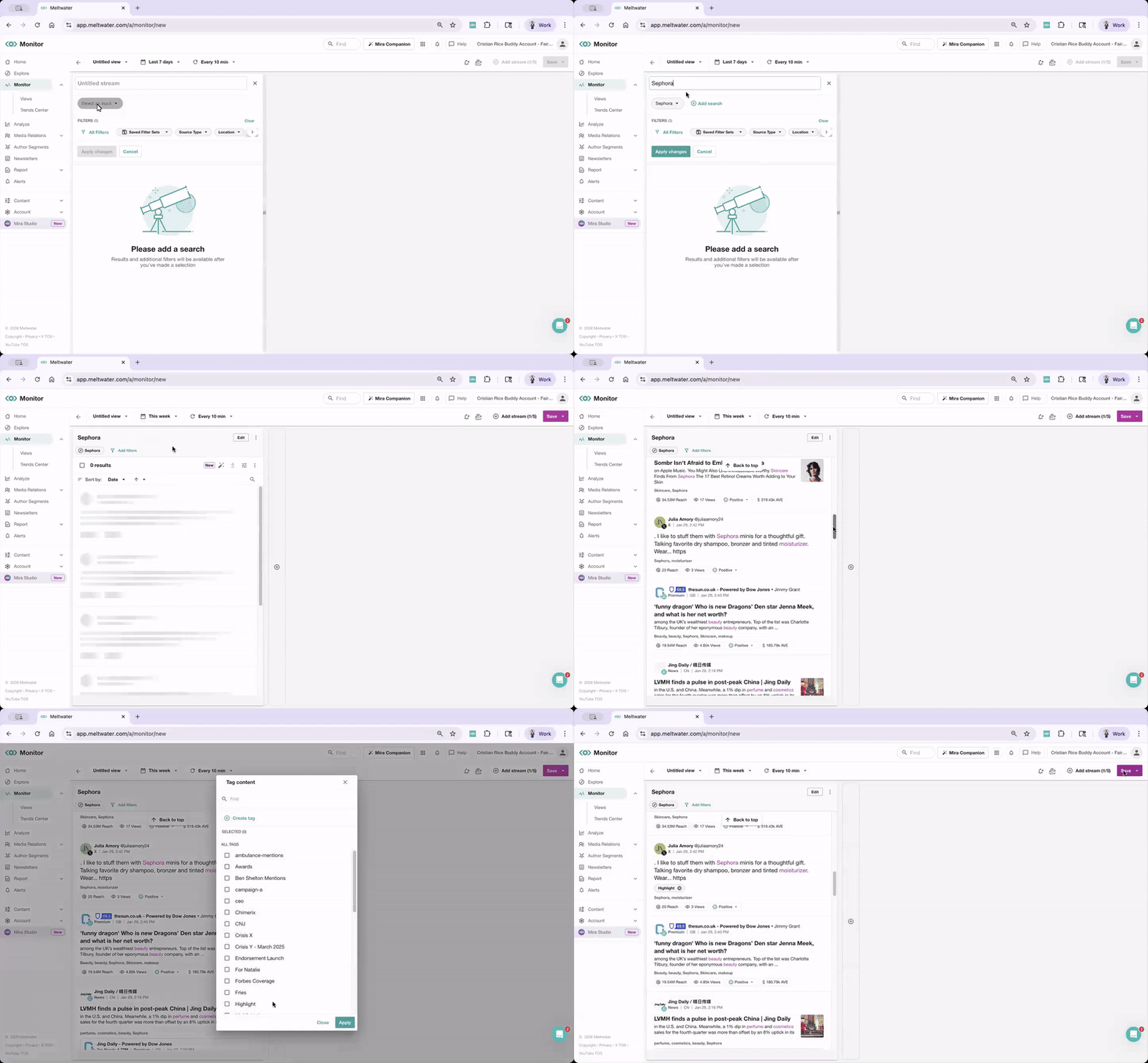
Great for staying on top of what’s new without building a search from scratch.
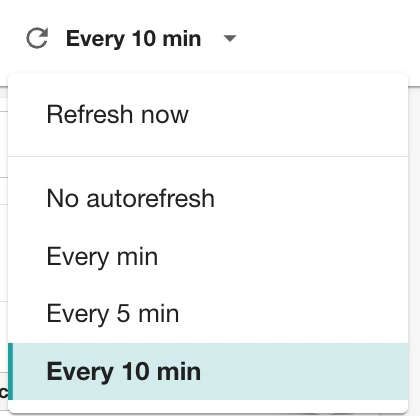
💡 Pro Tip: Select Every 10 min to adjust the auto-refresh
👇 What’s YOUR go-to Explore search or Monitor view in Meltwater?
Do you love the real-time vibe of Monitor, or do you live inside Explore searches? Share your favorite spot and why below