



The Eight Skills Every New Klear User Needs
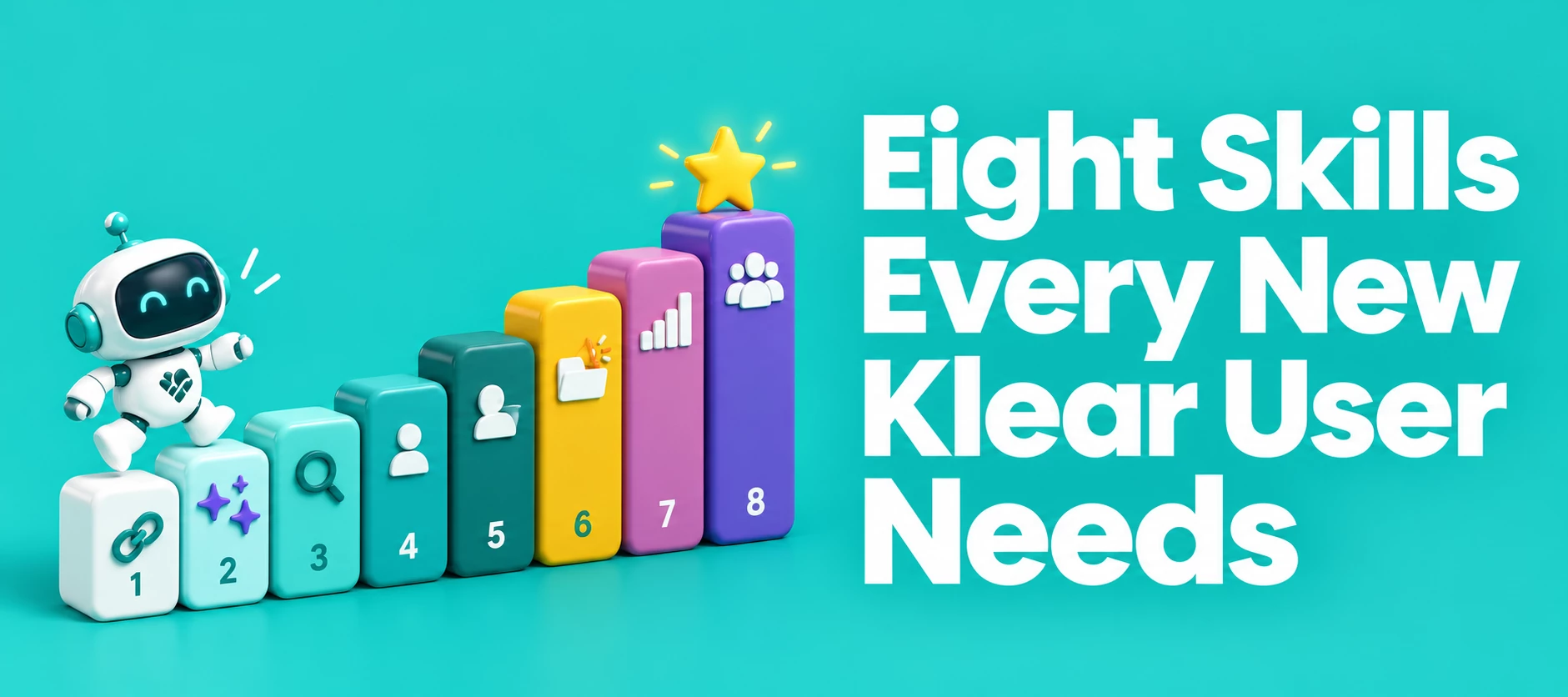
As you get started with Klear, taking the time to build a strong foundation, from account setup through your first campaign report, will pay off in more confident decision-making as your program grows.
Instead of walking through every feature, we're focusing on eight things we think you should know how to do. Work through them in order and you'll go from a brand new account to running your first campaign with confidence. Bookmark this post, you'll likely want to come back to it as you get further into the platform.
1. Set Up Your Account
Before anything else, get your account connected. That means integrating your email, connecting your owned social channels, and linking your e-commerce store if you have one.
- Klear Account Settings Overview
- Klear: Email Integration
- Klear: Shopify Integration
- Klear: WooCommerce Integration
2. Set Up AI Personalization
Add your brand info, define the influencer personas you want to work with, and set your campaign goals. This is what makes AI Discovery recommendations relevant to your brand instead of generic.
3. Search for Influencers
Klear gives you four ways to search, and each one returns something different.
- Topic Search surfaces established thought leaders in a discipline.
- Keyword Search casts a wider net, pulling in anyone who's posted about a phrase, hashtag, or brand.
- Visual Search matches content style using a text prompt, an uploaded image, or an existing campaign.
- AI Search lets you describe your goal in plain language and get matched creators with an explanation for why they fit.
4. Vet Profiles
Once you've found a few candidates, you'll want to dig into their Klear profile. Every profile includes engagement summaries, audience demographics, content history, and platform-specific analytics.
One thing worth knowing early: you can export this information rather than screenshotting or manually copying it over. We're tracking down the clearest article on export mechanics and will add it here once we've confirmed it.
5. Manage Your Influencer Database
Think of My Influencers as your CRM. Filters, lists, and tagging let you organize everyone you've worked with or want to work with, so you're not starting from scratch every time you plan a campaign.
- Get Started with My Influencer (See Members tab)
- Klear Toolkit: Managing Your Network
- Managing Influencer Communications
6. Create a Campaign
At minimum, you should be comfortable creating a new campaign and entering the correct tracking information (keywords, hashtags, or brand handles) so Klear can automatically capture the right content.
- Meltwater Klear (see the How to Create a New Campaign section)
- Creating a Campaign in Klear
7. Create a Campaign Report
Once a campaign is live, you'll want to export the data and understand your reporting options. The Measure tab has two views: Overview for high-level totals, and Analytics for interactive, filterable charts. Reports can be exported as a PDF or an editable Google Doc.
- Get Started with Campaign Reports (see the Measure Tab and Campaign Report sections)
- Measuring Campaign Performance in Klear
8. Understand Recruit
Recruit flips the usual discovery process. Instead of searching for influencers, you identify influencers who already exist in your own customer base, often through an embedded form on your website or store. You should know what Recruit is and have at least two use cases in mind for your brand, whether that's turning loyal customers into brand ambassadors or building a pipeline of pre-qualified applicants for future campaigns.
- Collect Multiple Networks on Recruit Forms in Klear
- Klear: Take Actions on Recruit Applicants
- Klear: Shopify Integration (covers embedding a Recruit form in your store)
This post covers the eight fundamentals, but the Klear Help Center hub has the complete library of articles, covering everything from advanced discovery filters to team collaboration and reporting customization.
If you’d like to continue learning more about influencer Marketing and how to best use Klear, you can enroll in one of our free mAcadmey Courses here!
That's the full checklist. If you get stuck on any one of these eight, drop a question in the community, chances are someone else has run into the same thing!