




Using proximity and frequency operators to sharpen your results

Hello there, new Meltwater users! I’m Jane, part of the North American Implementation and Onboarding team, and I love teaching new users how to make their Meltwater searches work for them! 🙌
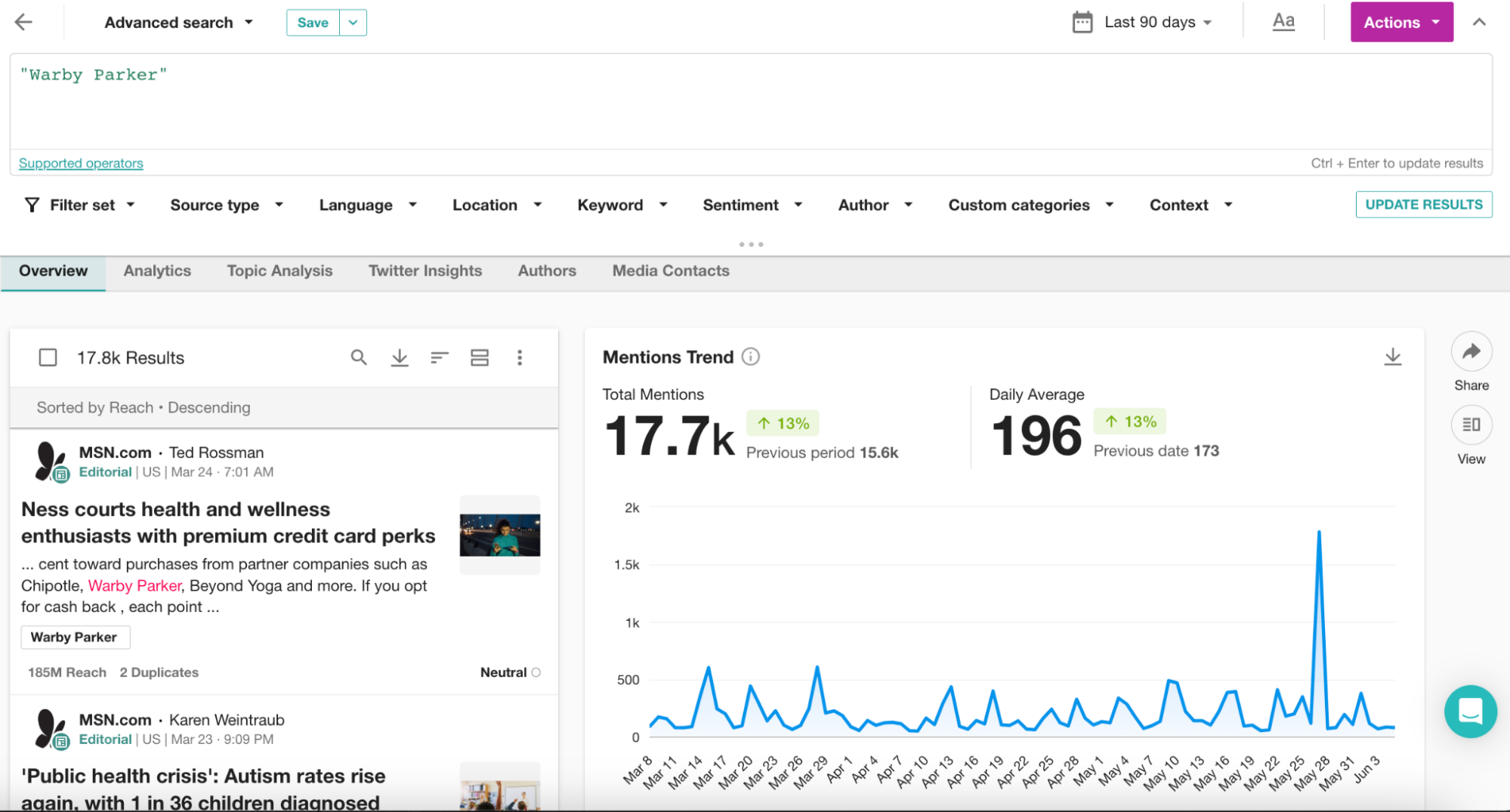
Today, I’d like to share some tips with you when it comes to search results that might not be directly related to your query, but may appear due to the configuration of your keywords.
Sometimes a search will pull in mentions that clutter your results, such as articles from sources (like MSN) that use your keywords in previews for unrelated articles, or when advertisements slip through. You may even find your mentions cluttered with articles that use your keywords just once but the content isn’t relevant.
Here are two easy operators you can use to make sure your keywords are the focus of the mention: the Frequency { } operator and the proximity Near operator.
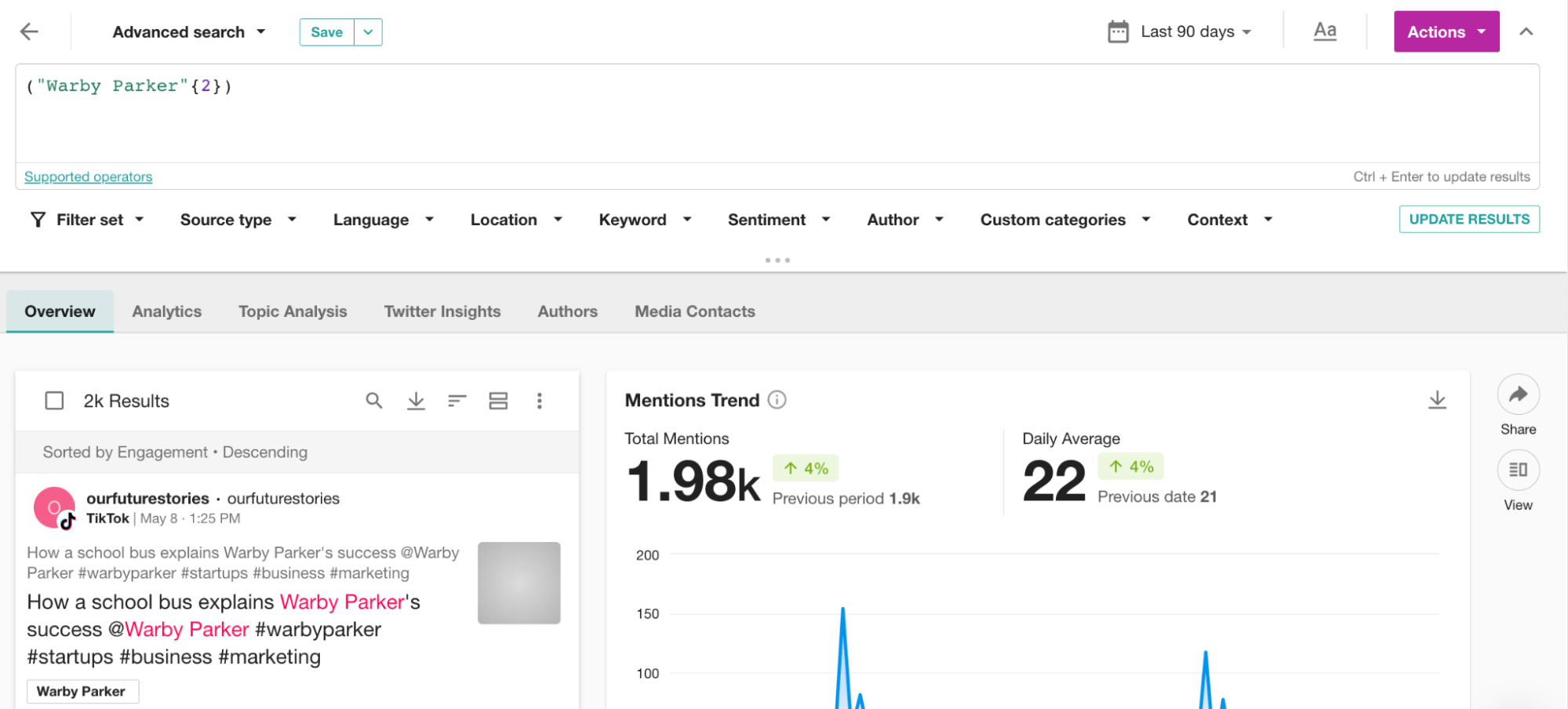
Let's start with the Frequency { } operator. By using this operator, you can specify how many times your keyword should appear in each mention. For example, if you search for "Warby Parker"{2}, the phrase "Warby Parker" must appear at least twice in every mention. I usually find that using the number 2 is sufficient to filter out mentions from sites like MSN that have a "Related Articles" section. However, feel free to experiment with higher numbers like {3} or more, especially when trying to eliminate ads.
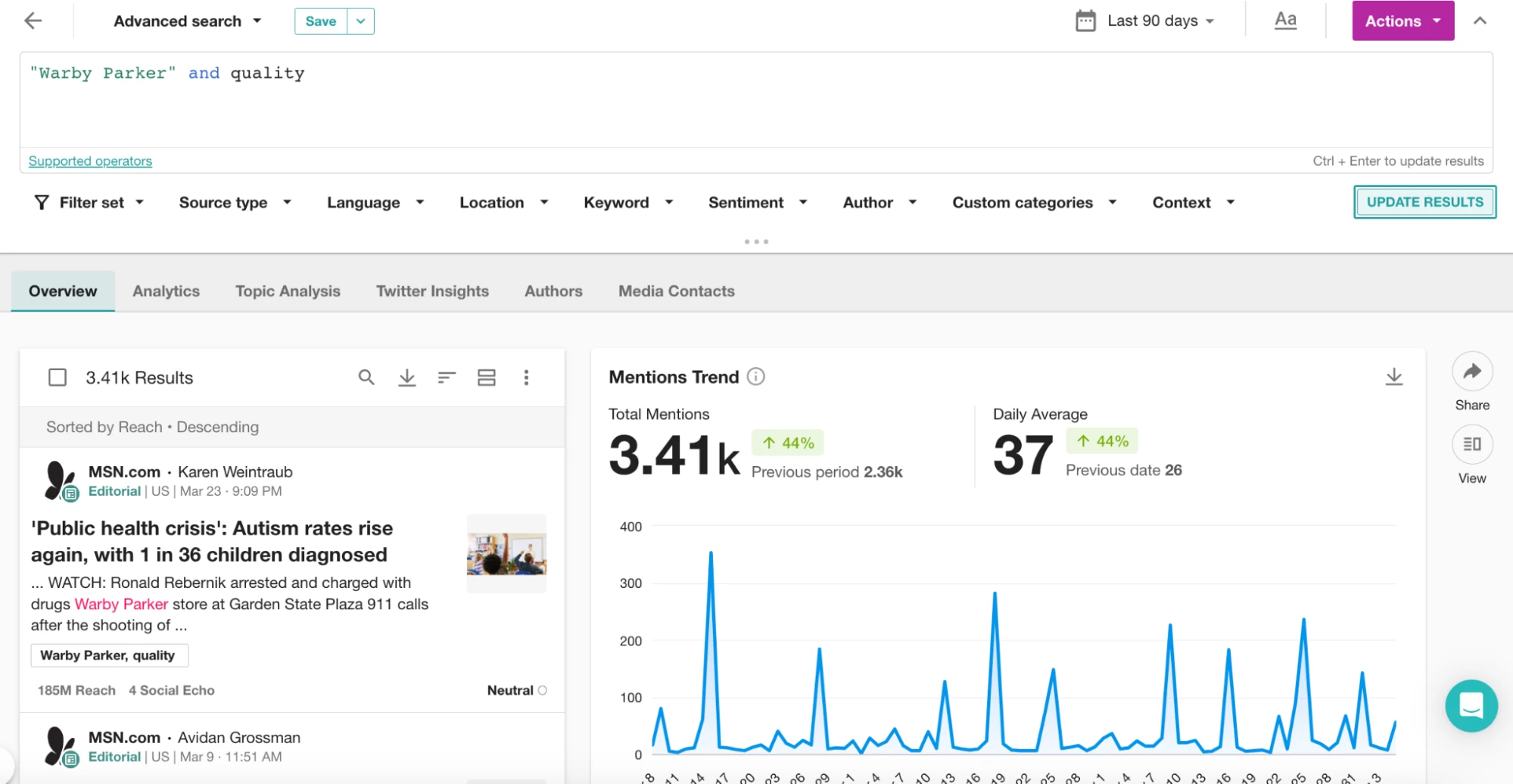
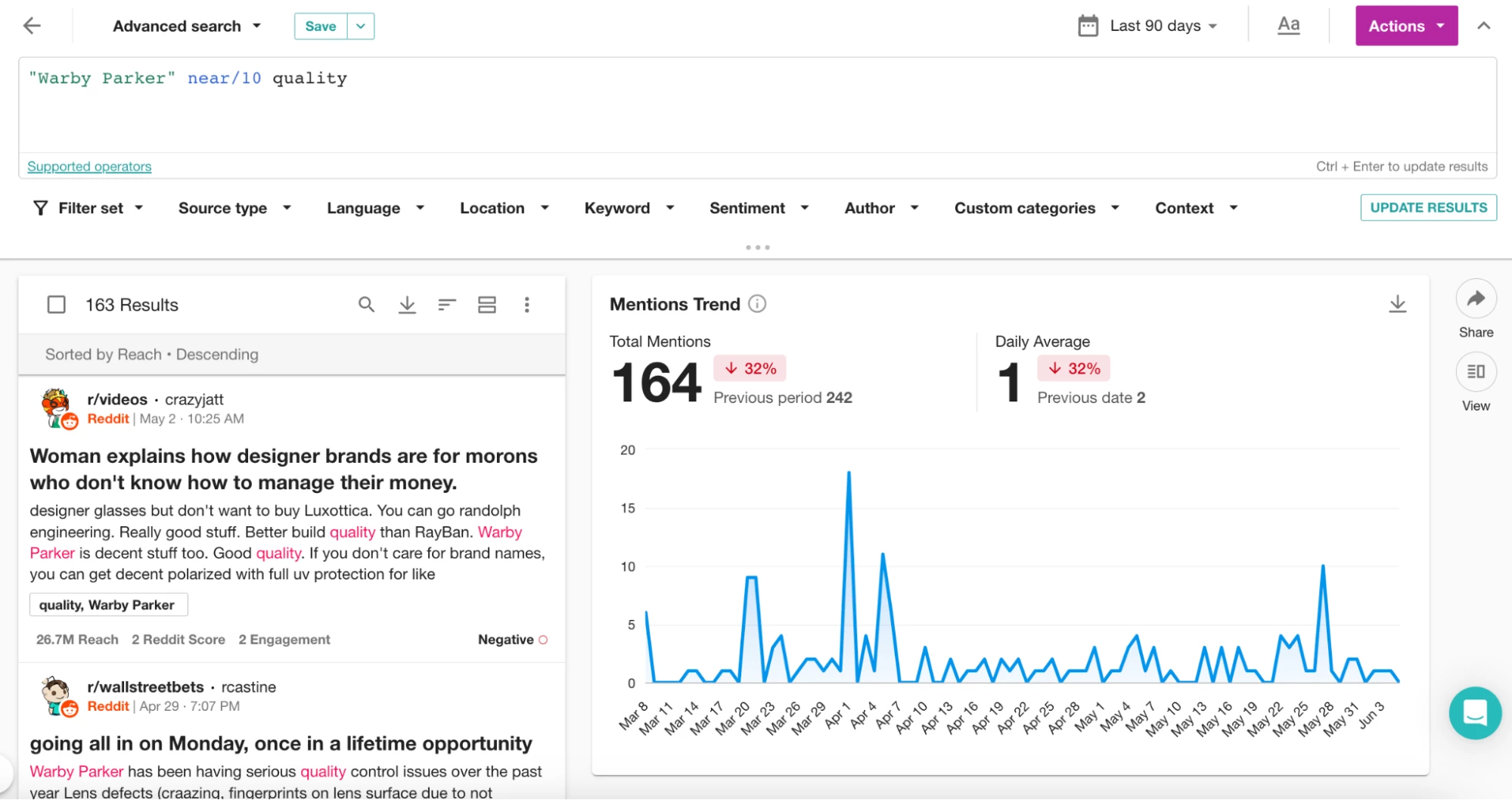
Now, let's discuss the Near operator, which I use even more often. When you use the "Warby Parker" near/10 quality query, you'll find mentions where "Warby Parker" and "quality" appear within 10 words of each other. You can adjust the proximity by modifying the number after "near/". For instance, "Warby Parker" near/5 quality will narrow down the results to mentions where "Warby Parker'' and "quality" are within 5 words of each other. In the screenshots below you'll notice the difference in results compared to using the and operator.
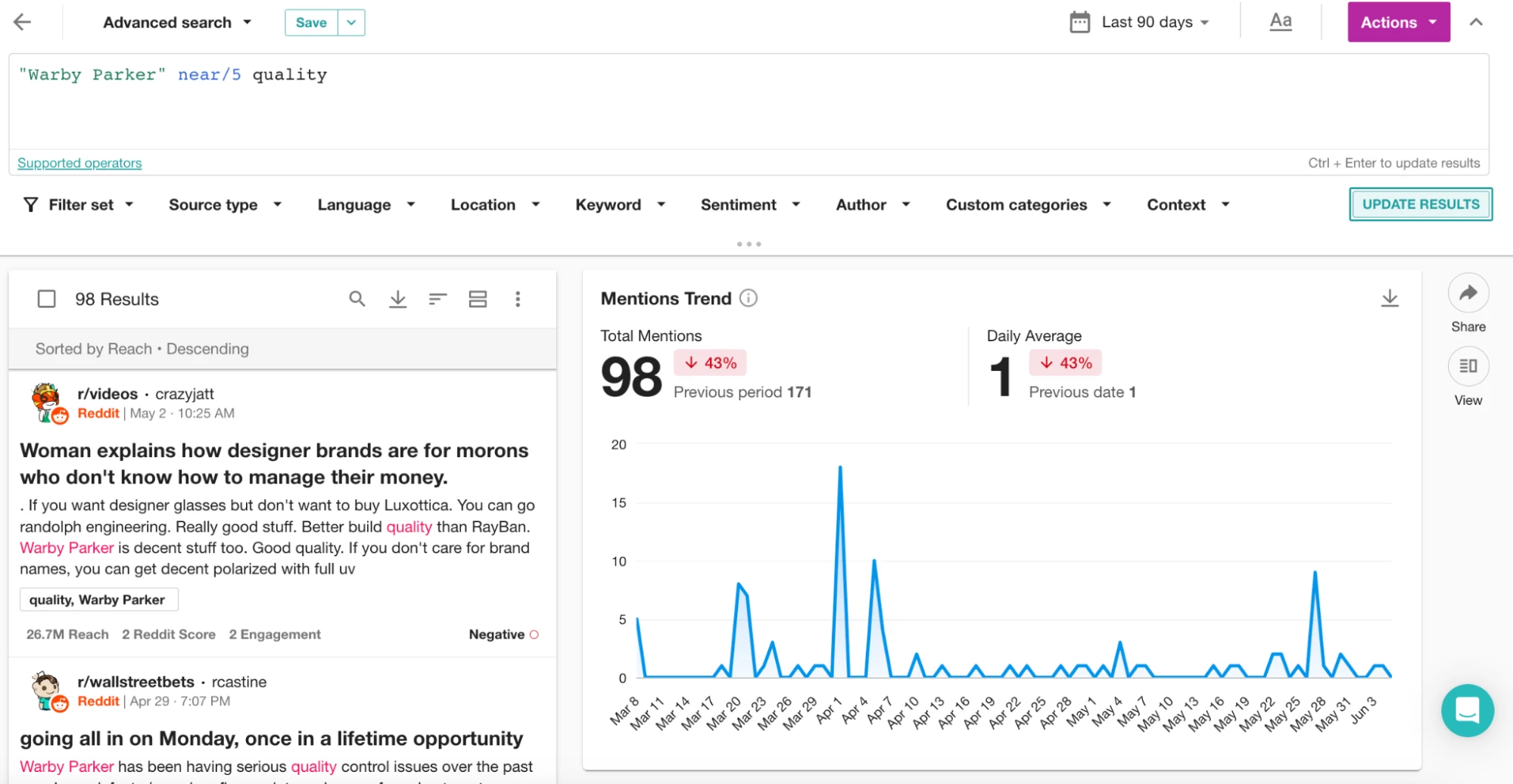
When experimenting with proximity, try different values such as near/5, near/8, or near/12. Additionally, remember that you can use the "near" operator with a group of words. For example, if you want to find mentions of Warby Parker related to a broader list of "quality" keywords, simply enclose them in parentheses like this:
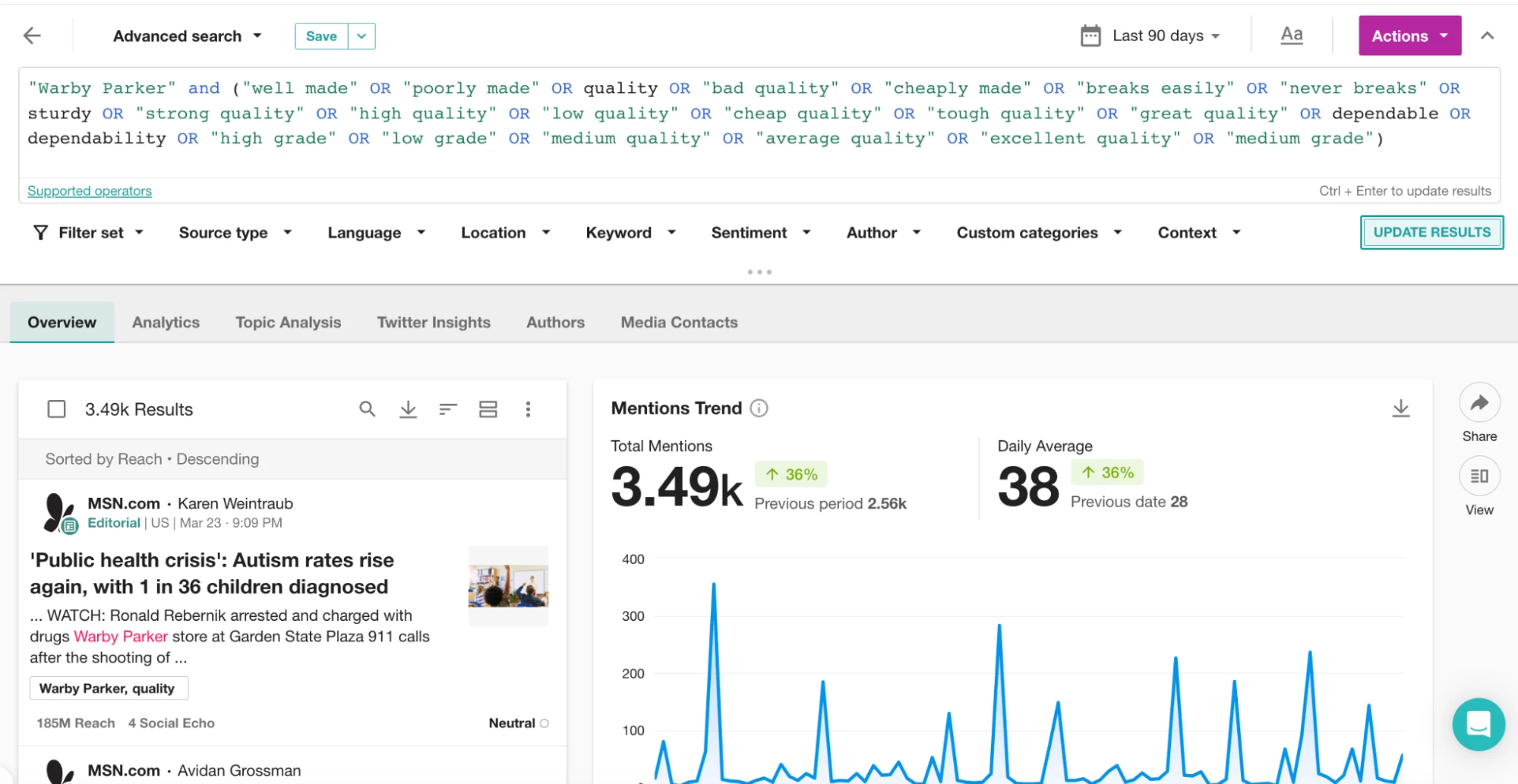
3.49k mentions using and but the results are not all relevant. Let’s try with near/10.
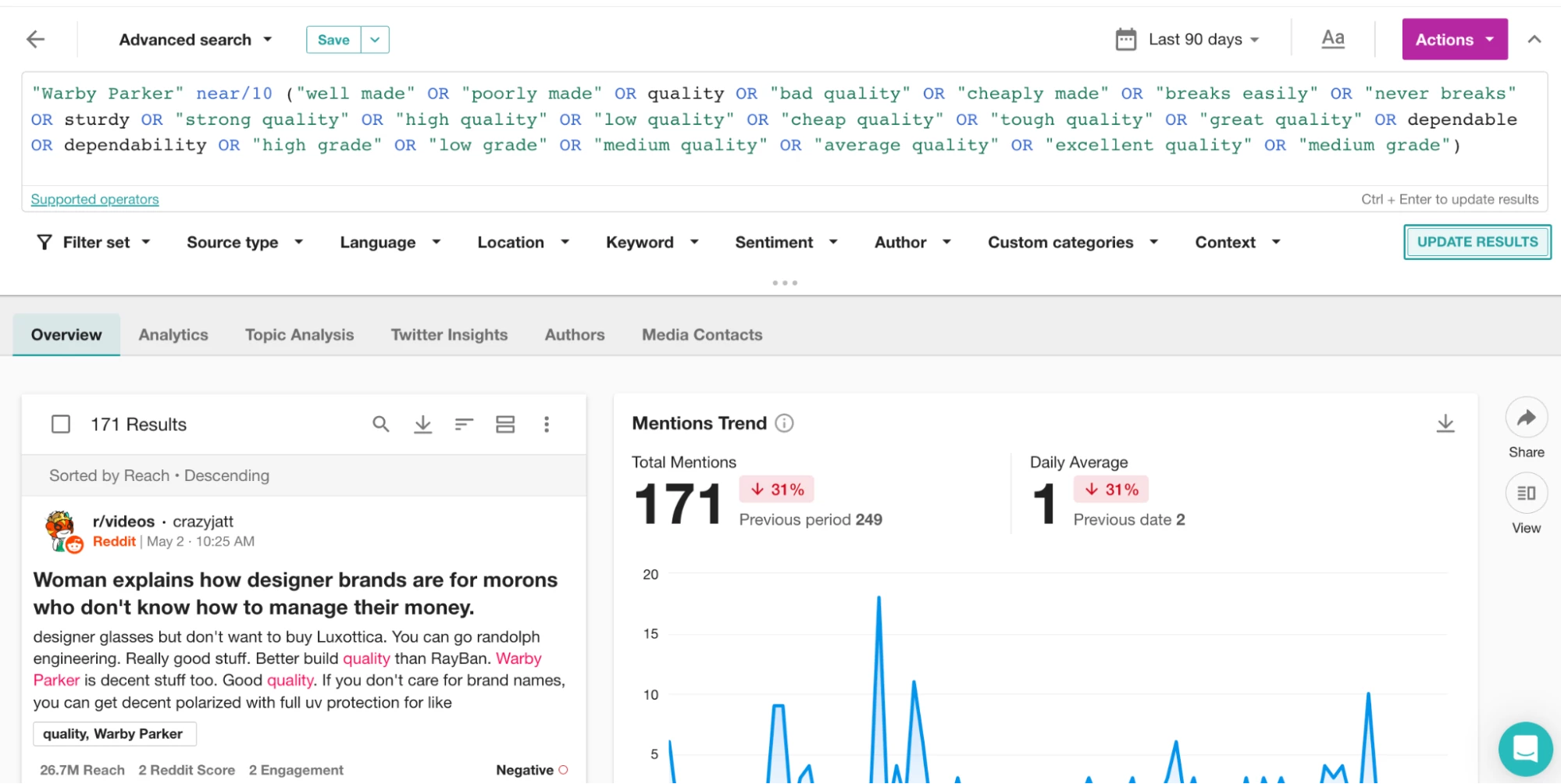
By doing so, you'll increase the relevance of your search results.
I hope these tips help you achieve more relevant mentions in your searches. If you have any questions, please feel free to ask! For additional information and technical tips on these operators, be sure to check out the Proximity Operators section in our Boolean Library.
Happy monitoring! 🫡