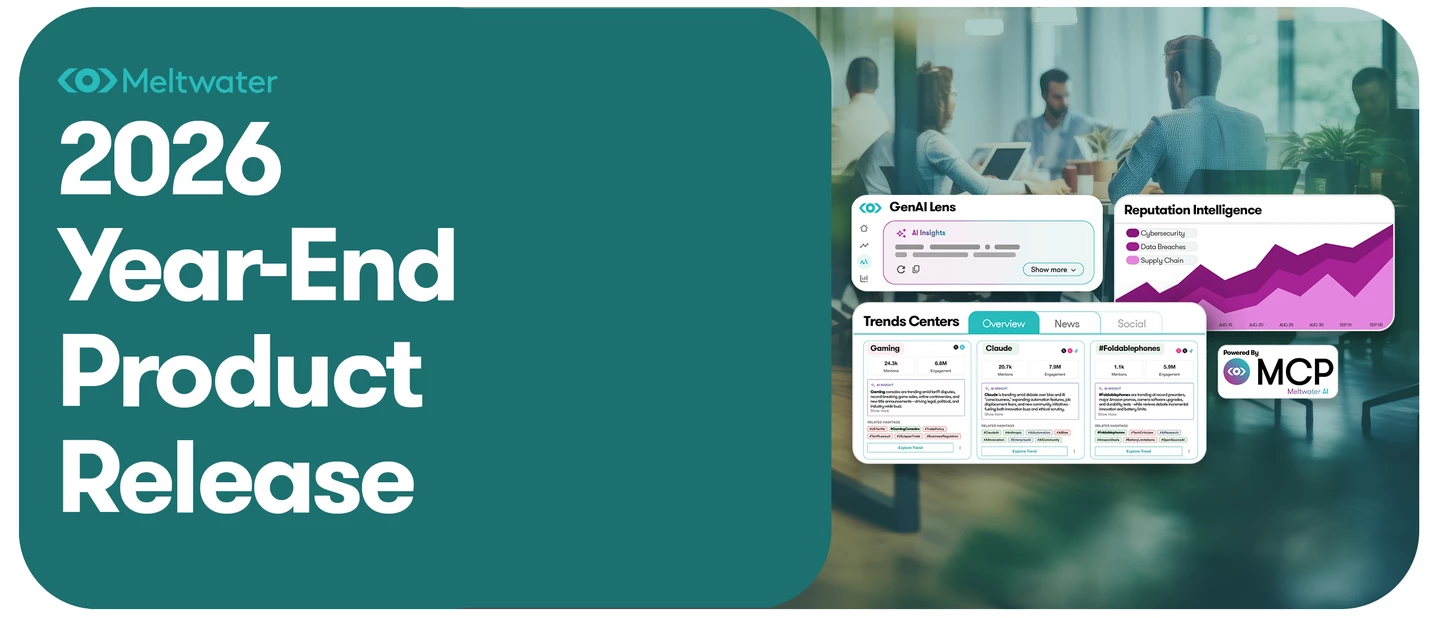
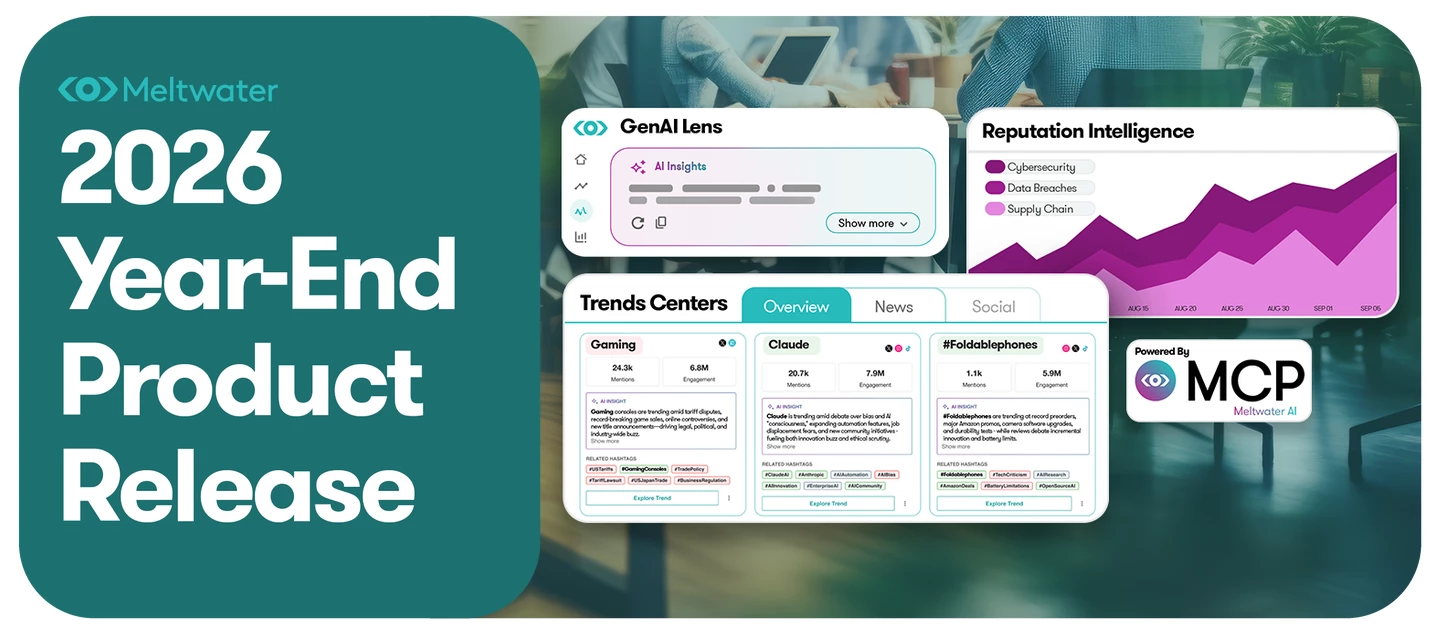
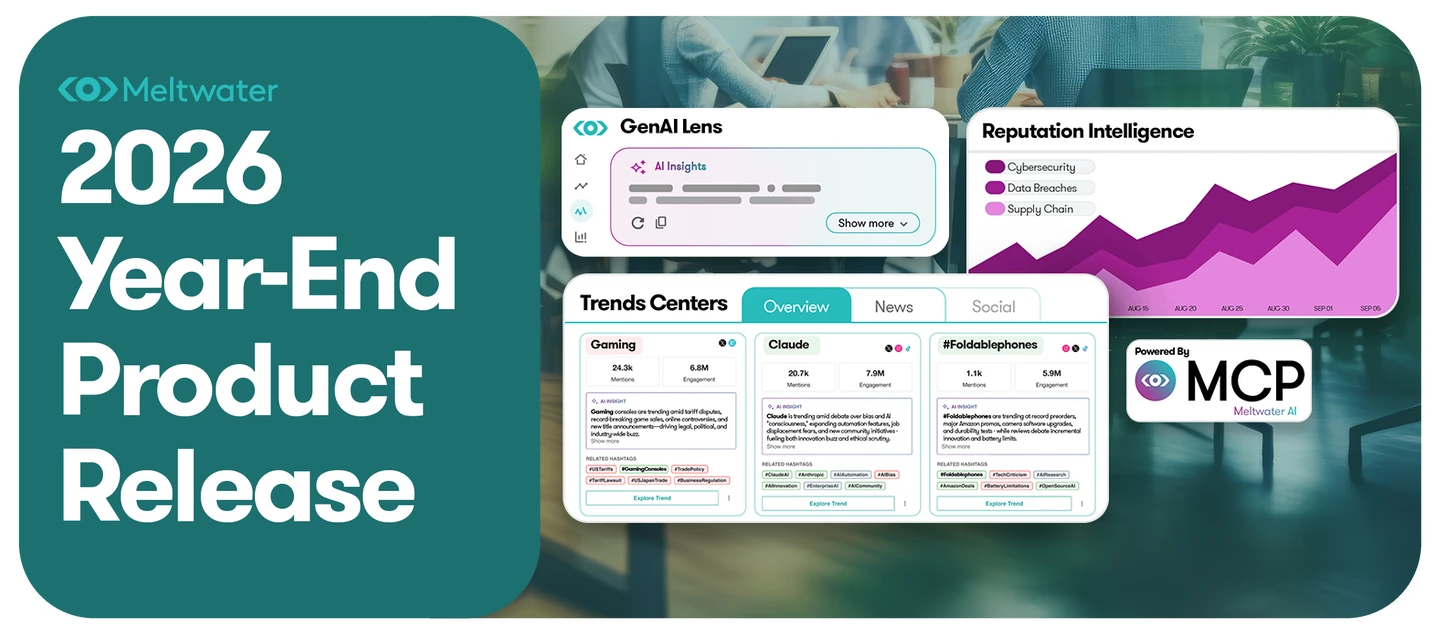
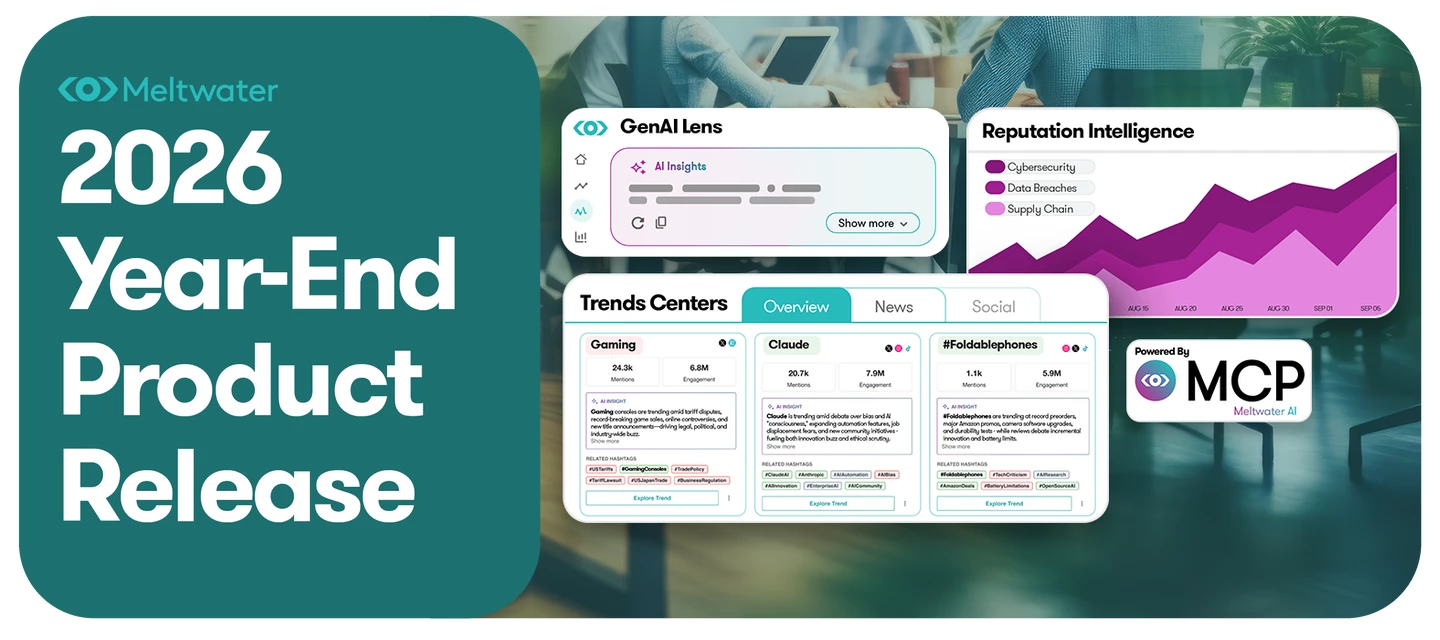
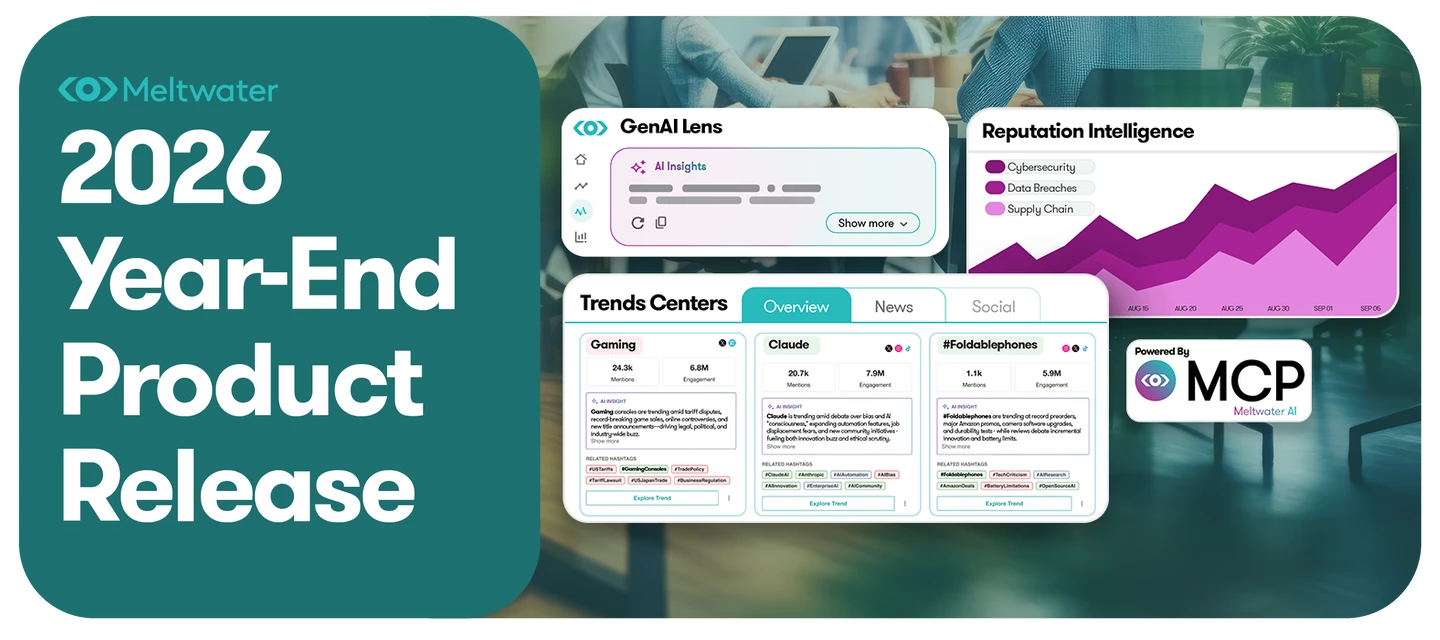
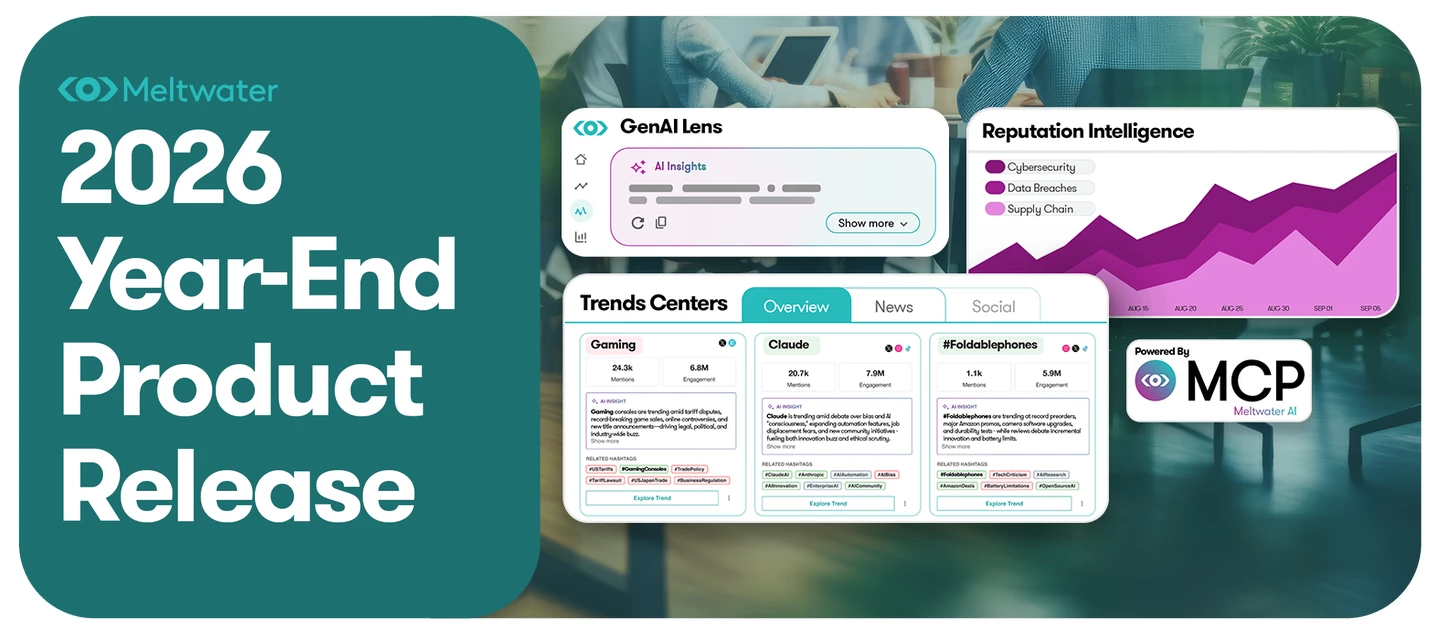
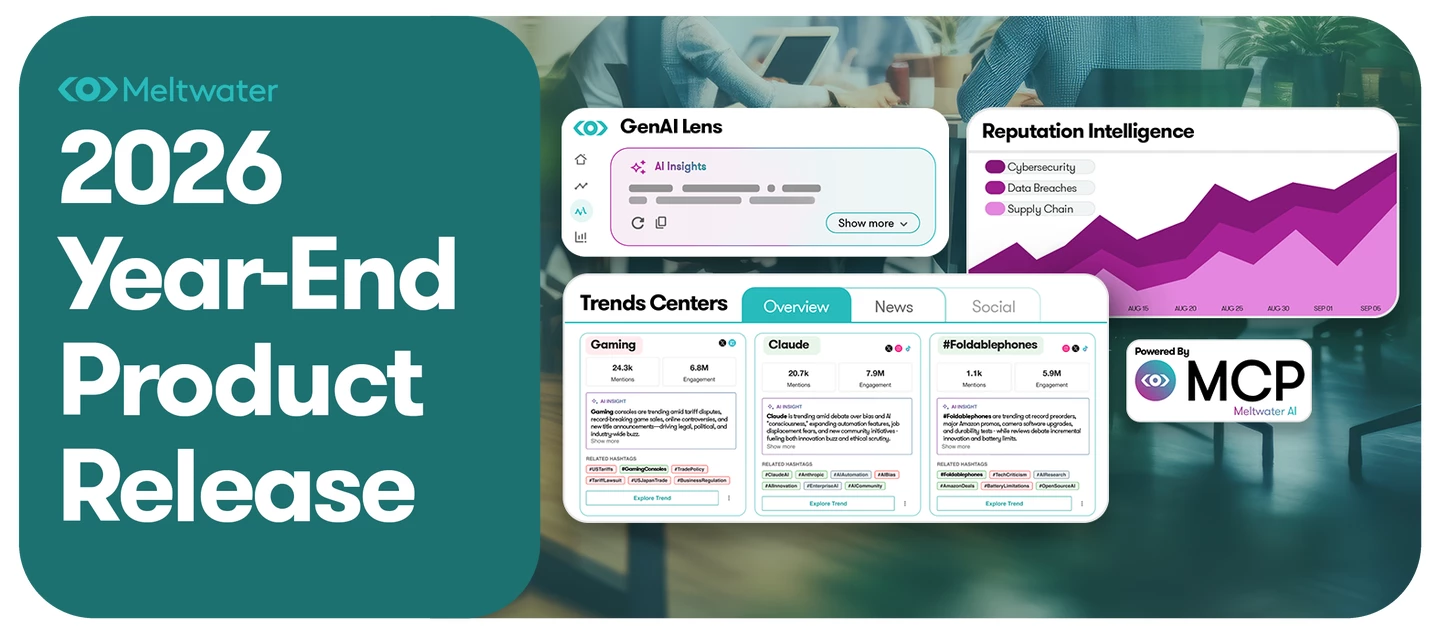
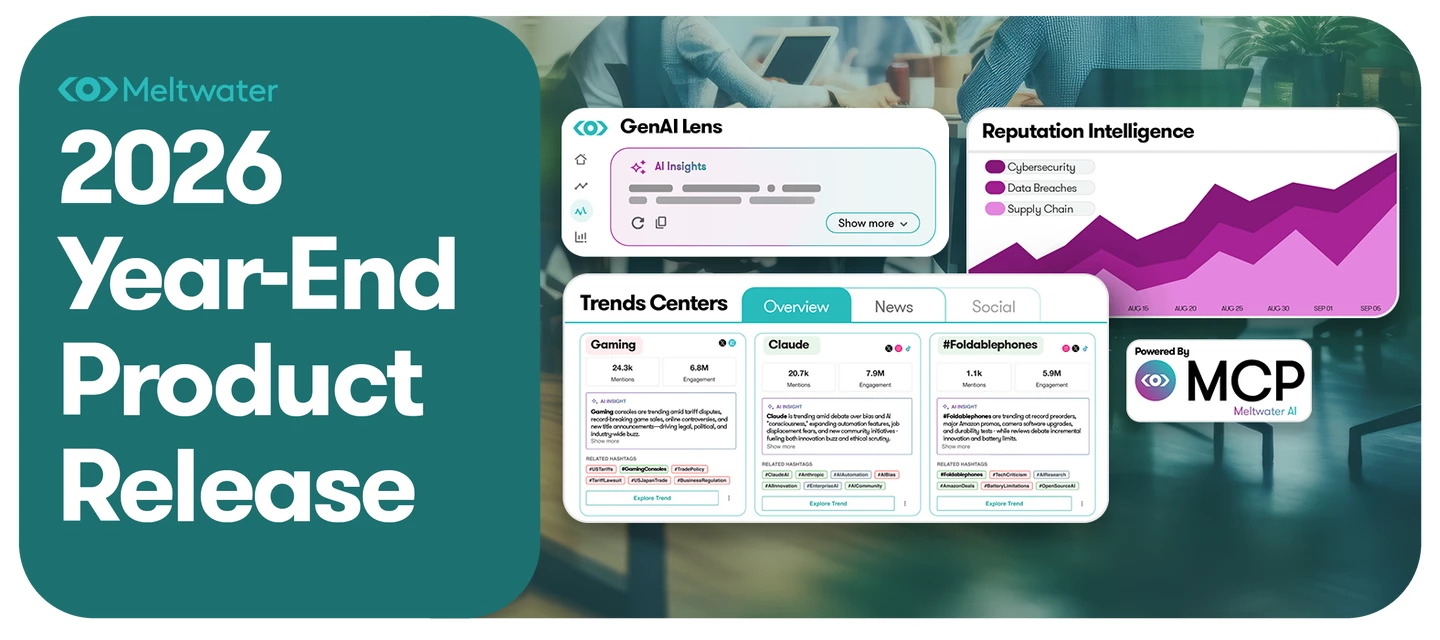
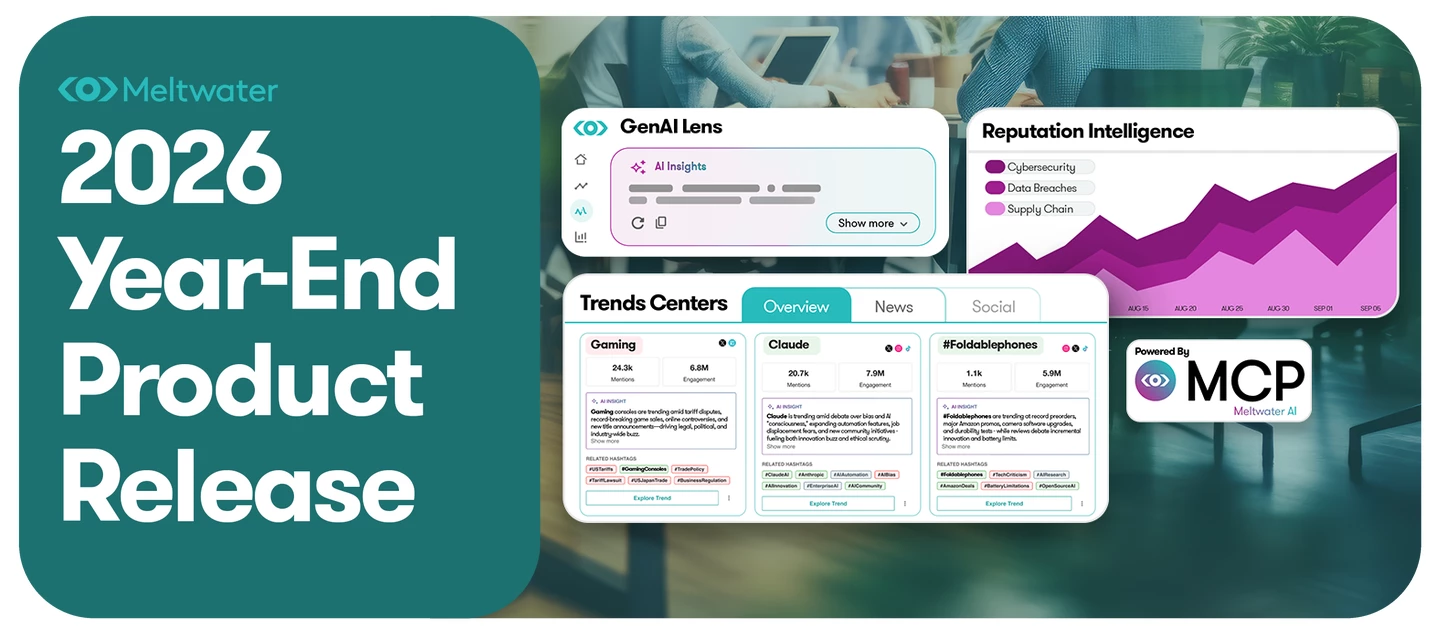
Learn more about everything covered by our 2026 End of Year Release Update!
Recently active
Walk through Product Tours from Meltwater's 2026 Year-End Release across social listening, media monitoring, influencer marketing, AI visibility and MCP (model context protocol). Simply click the links below to view a multi-step walkthroughs. Year-End Release Product Tours Adaptive Analytics in Explore and Explore+ AI Search Assistant in Mira Companion Influencer Discovery Influencer Campaign Analytics Claude MCP Overview Flow ChatGPT MCP Overview Flow GenAI Lens: AI Visibility Tracking GenAI Lens: Brand Set-Up and Suggested Prompts GenAI Lens: Media Outreach, Prompt Volumes, AI Site Traffic, LLM Executive Report, and AI Accuracy Checker
News, social conversations, and AI-generated answers are increasingly interconnected and moving faster than traditional monitoring workflows can handle. Meltwater is evolving to help teams connect those signals, turn them into decision-ready intelligence, and bring that intelligence into the tools and workflows where work happens. This shift is shaping what we’re announcing with our 2026 Year-End Release: See and influence AI visibility with GenAI Lens and our new AI Accuracy Checker. Identify and prioritize reputation risks with Reputation Intelligence. Move from insight to executive-ready work with Mira Companion, Mira Studio, Story Flow, and Unified Dashboards. Bring Meltwater intelligence into the tools where work happens with MCP and the Meltwater Agent for Slack. Together, these innovations help you move from scattered signals to a clearer view of what is shaping perception and from analysis to confident decisions. Explore the Year-End Release resources on this landing page to s
Here you’ll find the 2026 Year-End Release updates and resources for Explore and Explore+. Learn how to set up monitoring, find the signals that matter, understand what’s changing, and turn intelligence into action. Product Updates Meet the New Mira Companion — Mira Companion offers contextual help across Meltwater—build searches, research articles and journalists, understand your data, and turn insights into reports. Bulk Upload Users via CSV or Excel — Account Admins can provision users in bulk with a CSV template. Explore/+: AI Search Assistant Updates — Mira Companion’s AI Search Assistant now uses Explore’s unified search API, with an AI Insights widget and date range selector. Explore/+: Updated Topic Clusters Widget — AI-generated Topic Clusters now surface more relevant themes for the search you’re analyzing. Compare Updates — Compare makes side-by-side analysis more meaningful with flexible segmentation, date controls, trend scaling, and keyword rankings. Instagram Hashtag Man
Here you’ll find the 2026 Year-End Release updates and resources for Klear. Explore how to discover creators, manage campaigns, measure content, and build stronger influencer relationships. Product Updates Instagram Reels Views for All Creators — Track Instagram Reel views for every creator on your roster, including unconnected accounts. AI Discovery Search by Default — AI Discovery is now Klear’s default creator search, with expanded platform support, content matching, richer criteria, and AI reasoning. View-Only Role — Give Klear users tailored access with updated roles, a new View Only role, and payment and agreement controls. Manager Member Funnel View — Organize campaign influencers by stage and update their status with drag-and-drop. Advanced Campaign Connect Filters — Use flexible, combinable filters in Campaign Connect to find and message specific influencer groups. Manually Add & Measure Snapchat in Campaigns — Add Snapchat Spotlight videos and Stories to Klear campaigns a
Here you’ll find the 2026 Year-End Release updates, training, and resources for Media Relations. Explore how to find the right contacts, personalize outreach, manage relationships, and measure earned impact. Product Updates Outreach Personalization — Build one pitch for your journalist list, then personalize each message before sending. Relationship Activity Tracking — Keep one shared record of every pitch, reply, note, and list update. Journalists Beyond Your Package — Search Meltwater’s global media database—not just your subscription—to discover more journalists and outlets. Podcast Searching — Search 20,000 podcast contacts worldwide. Pitch Tracking Enhancements — Organize, export, and track pitch results over time. More Relevant Search Cards — See relevance signals and take key actions directly from Media Relations search cards. Courses and Training Media Relations Core Course — Get up to speed with the refreshed course, covering the workflow from setup through first outreach. Pla
Here you’ll find the 2026 Year-End Release updates and resources for Analyze, Alerts, and Newsletters. Explore how to make insights easier to find, manage, share, and act on—from customizable dashboards and AI briefings to clearer, more targeted alerts. Dashboards AI Visibility Dashboard Template — The new AI Brand Visibility template shows how ChatGPT, Gemini, Claude, Perplexity, and other AI platforms describe your brand. Widget Library Search and Descriptions Enhancements — Find the right widget faster with expanded search and descriptions for more than 200 widgets. Manage Scheduled Reports — View, edit, pause, activate, and delete every report schedule created for a dashboard from one centralized panel. Earned Media Value Widgets — See the monetary value of earned social engagement across dashboards, content streams, and exports. Newsletters and Newsfeeds Share Newsletters as a Link with AI Briefing — Share newsletters as links with AI briefings of their top themes, ready for Slack
Here you’ll find the 2026 Year-End Release updates and resources for Meltwater MCP. Learn how to bring governed Meltwater intelligence into the AI tools you already use—and manage access, usage, and spend. Product Updates Meltwater MCP Expanded Access — Bring governed, cited Meltwater intelligence into Claude, ChatGPT, and other compatible AI tools. Access insights, create reports, and track alerts where you work. Meltwater MCP Credit Dashboard — Track adoption, usage, remaining credits, and spend in one place. Product Tours Meltwater MCP x Claude Meltwater MCP x ChatGPT Help Center Resources Getting Started with MCP Tracking MCP Usage MCP Plugin in ChatGPT Connect Meltwater in Claude
Here you’ll find the 2026 Year-End Release updates and resources for Mira and Meltwater’s AI assistants. Explore how to bring intelligence into everyday workflows, get contextual help across Meltwater, and turn complex stories into clear, shareable insights. Product Updates Agent for Slack — Bring trusted Meltwater insights into Slack with the Mira-powered Meltwater Agent. Meet the New Mira Companion — Mira Companion offers contextual help across Meltwater—build searches, research articles and journalists, understand your data, and turn insights into reports. Story Flow Agent — Story Flow traces how a news story started, spread, and evolved, then delivers a structured, cited brief you can share. Help Center Resources Mira Studio — Explore Mira Studio help center and mCommunity resources. Getting Started with the Meltwater Agent for Slack Using Mira Companion
Here you’ll find the 2026 Year-End Release updates and resources for GenAI Lens. Explore how to monitor how AI represents your brand, track changes in visibility, and turn those insights into action through reporting, recommendations, and GEO guidance. Product Updates GenAI Lens Dashboard Template — The new AI Brand Visibility template in Analyze shows how ChatGPT, Gemini, Claude, Perplexity, and other AI platforms describe your brand. Add 13 GenAI Lens widgets to any dashboard. Entity Mention Rate Change Alert — Get alerts when a tracked brand’s Mention Rate rank changes significantly between GenAI Lens data runs. GenAI Lens Branded Web Reports — Branded Web Reports provide eight tabs of LLM visibility insights for your brand. GenAI Lens Mistral Add-On — Mistral is now available as an add-on source, bringing GenAI Lens coverage to 11 AI sources. Assigning Brands to Topics — Assign brands to topics for more targeted weekly AI Recommendations. Product Tours AI Visibility Tracking Brand
Here you’ll find the 2026 Year-End Release updates and resources for Trends Center. Explore how to bring emerging trends from across channels into one view, validate the signals that matter, and turn them into recurring Trend Digest reports. Product Updates Overview Tab — Overview is now the default Trends Center view, bringing trends from TikTok, X, Instagram, and Curated News together in one place. Validating Trends Results — Rate the quality of trend lists with a thumbs-up or thumbs-down and optionally share feedback for each channel tab. News Tab — Trends Center now includes News Trends, bringing the total to four trend sources. Google Trends Tab — Google Search Trends adds trending Google queries as a new Trends Center channel. Create Digest from Trends — Create recurring Trend Digest reports directly from the Overview tab. Help Center Resources Overview Tab Validating Results News Tab Google Trends Tab Creating Digests in the Overview Tab
Your brand story isn’t written in one place anymore. It forms in the news, spreads across social, and gets reshaped by AI, and each one feeds the others. The teams who can see how those pieces connect are the ones who shape the conversation instead of chasing it. Join us for Meltwater’s Year-End Release 2026 to see how our latest innovations help PR, Communications, Marketing, Research, and Insights teams answer bigger questions with AI, media, and social data. Here’s what you’ll learn: ✅ How news, social, and AI shape each other. See how narratives form, travel, and reinforce one another across an increasingly connected information ecosystem.✅ Where and how to influence the conversation. Identify the reputation drivers that need your attention and find opportunities to act through content, earned media, journalists, and creators.✅ How to turn signals into business answers. Explore new ways to interrogate your media data, combine it with other business information, and follow the evide
Don't be shy and let us know about your challenge.
Already have an account? Login
Enter your E-mail address. We'll send you an e-mail with instructions to reset your password.