


Launch Mission 1: Build & Edit a Media Monitoring Search

Your first search has already been set up for you. It’s best practice to review your searches monthly, or anytime something changes with your brand or organization - a new product, campaign launch, or a competitor worth watching.
Complete your Training:
Pick one — either earns 100 points.
- 📖 Building Effective Searches — Register for course, 25 minutes
- 🛠️ Getting Started with Media Monitoring — Register for live workshop, weekly
Prefer hands-on learning? The live workshop lets you build alongside others and ask questions in real time.
Mission 1:
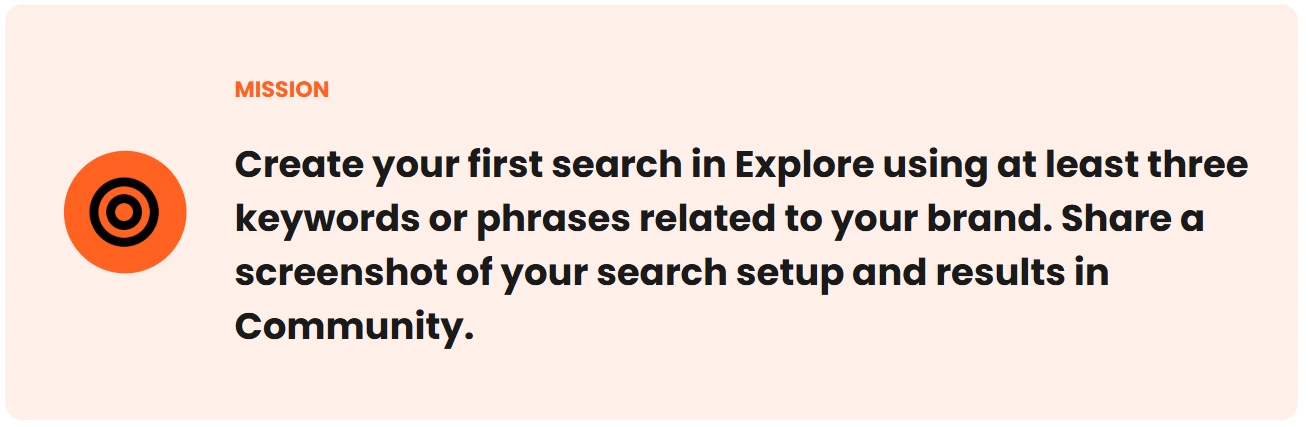
How to Complete this mission:
1. Build your search
Use the AI Search Assistant in Explore to help you build your first query.
- Not sure what to ask? The Brand & Reputation Management Playbook walks through refining your search strategy.
- Ready to build? Use our in-app tutorial.
2. Refine your search with filters
Search building is iterative — this step is your quality check. Preview your results and ask yourself:
- Are these mentions actually about my brand?
- Am I missing obvious coverage?
- Is there too much noise?
Then use AI, filters, or refine manually:
3. Save your search
Once you're happy with your results, save your search.
🎥 Watch how to save your search
Saving unlocks the rest of Meltwater — alerts, digests, reports, and dashboards all run off a saved search.
4. Share it in Community
Post your work to get feedback from our product experts and your peers.
- Comment on this post
- Add a line or two on what you built.
- Attach a screenshot of your search setup and results.
Blur out any information you don't want to share.
👀 Once you've posted, see what your peers have shared.