



For Creators: Getting Paid Through KlearPay
If you're participating in a campaign that includes payments through Klear, your payment will be processed through one of Klear's supported payment providers: Tipalti or Gigapay. The payment provider used for your campaign is determined by the brand you are working with.
Before you can receive payment, you may be asked to provide information such as your payment details, tax information, or account verification documents, depending on the provider and your location.
This article explains how creator payments work in Klear and walks you through the steps required to set up your payment account and receive your payout.
This article will cover:
Understanding Which Payment Provider is Being Used
The brand you're working with will determine which payment provider is used for payments.
You may be asked to complete onboarding through:
- Tipalti
- Gigapay
Both providers are trusted payment partners used to securely collect payment and tax information.
How Creator Payments Work
Step 1: Accept the Campaign Invite
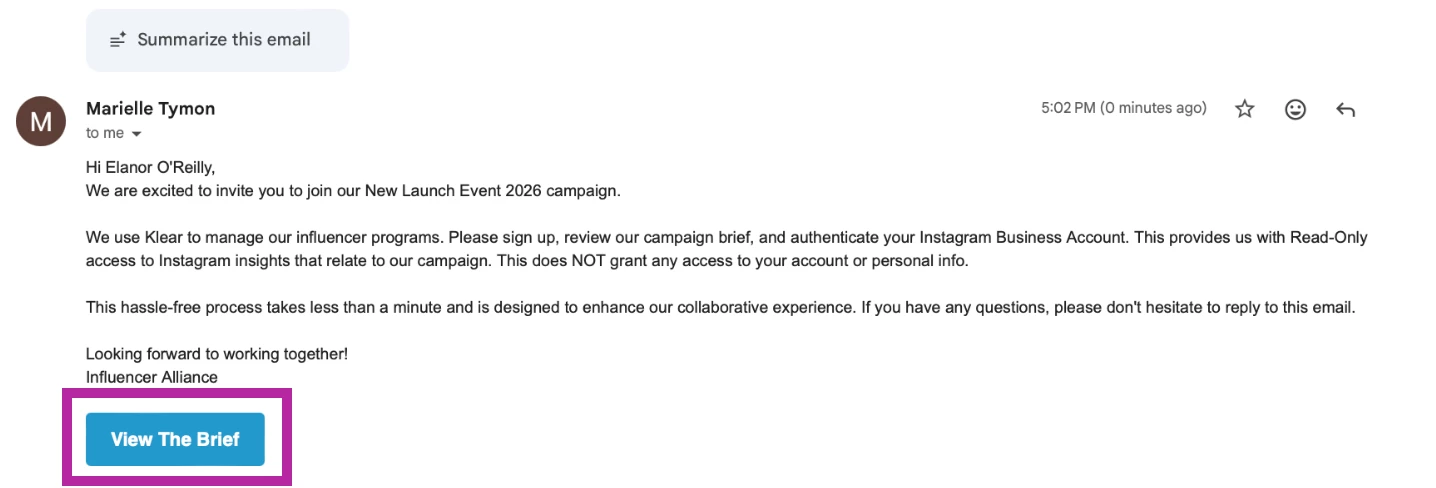
When a brand invites you to a campaign, you'll receive an invitation via email.
- Click View the Brief to see more information and to join the campaign.
-
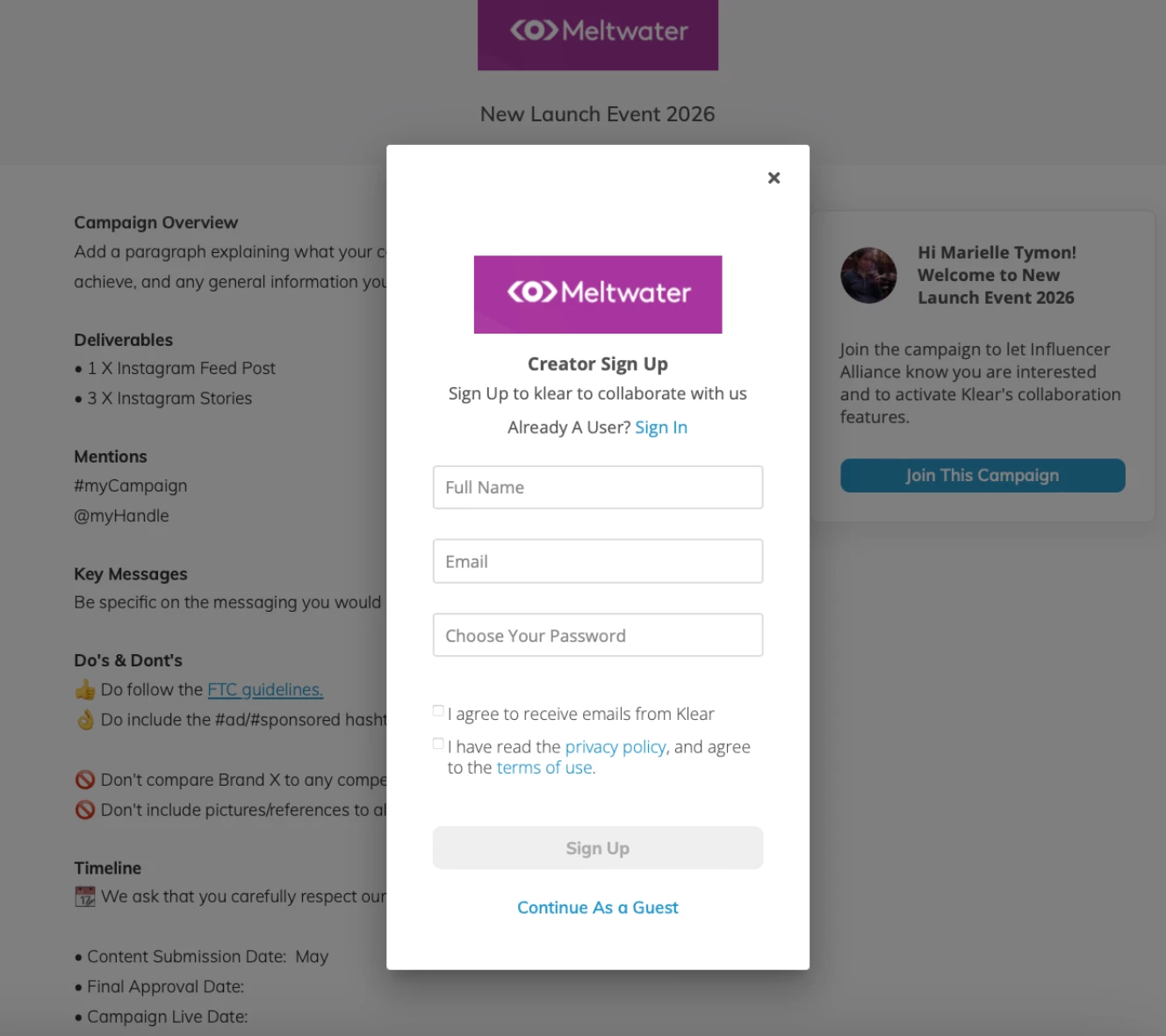
Log in to your existing Klear account, or create one if you don't already have one.
-
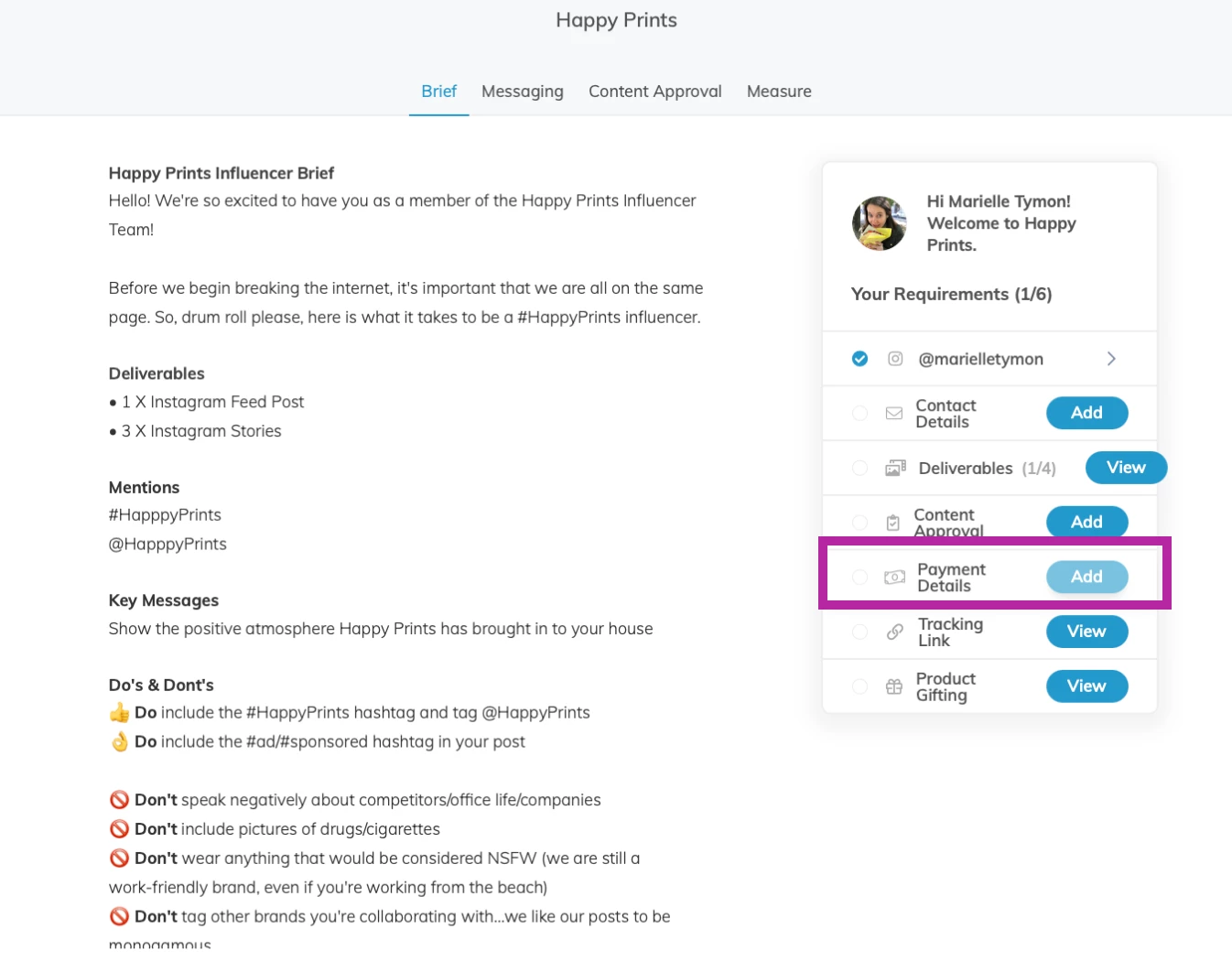
Once you've joined the campaign, click Add next to Payment Details to get set up to receive payments.
Step 2: Complete Payment Onboarding
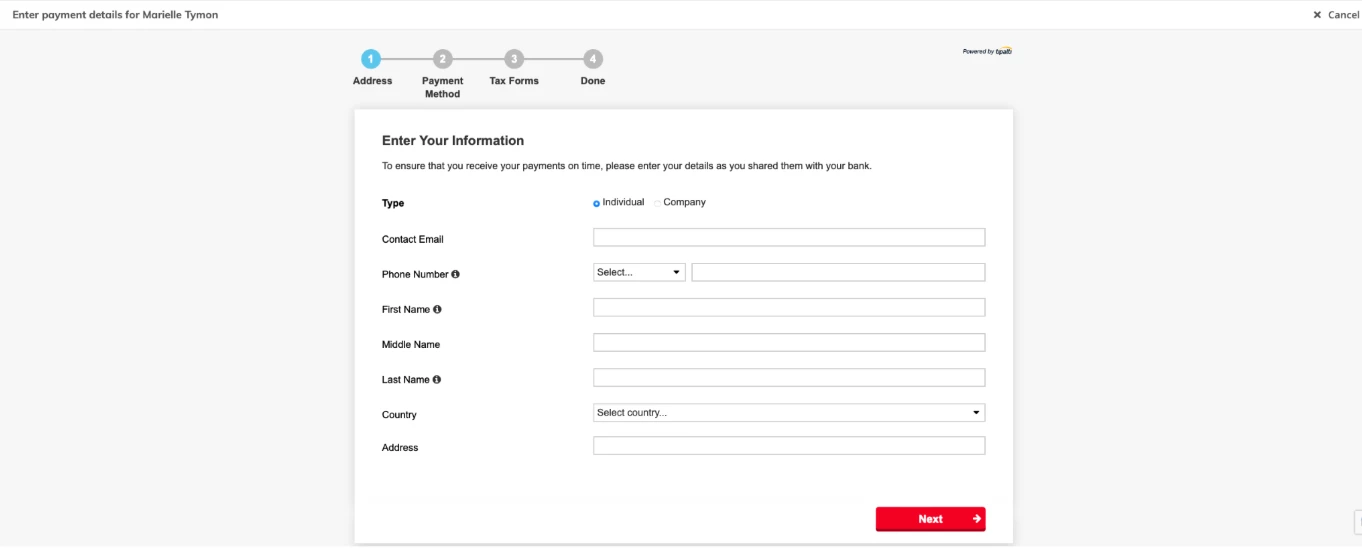
If the brand uses Tipalti, you'll complete payment onboarding directly within your Klear creator account. You may be asked to:
- Submit payment information
- Select a preferred payment method
- Choose your preferred currency
- Complete any required tax forms
Once your information has been submitted, you'll be eligible to receive payments from the brand.
If the brand uses Gigapay, you'll begin the process by providing your initial payment information through Klear.
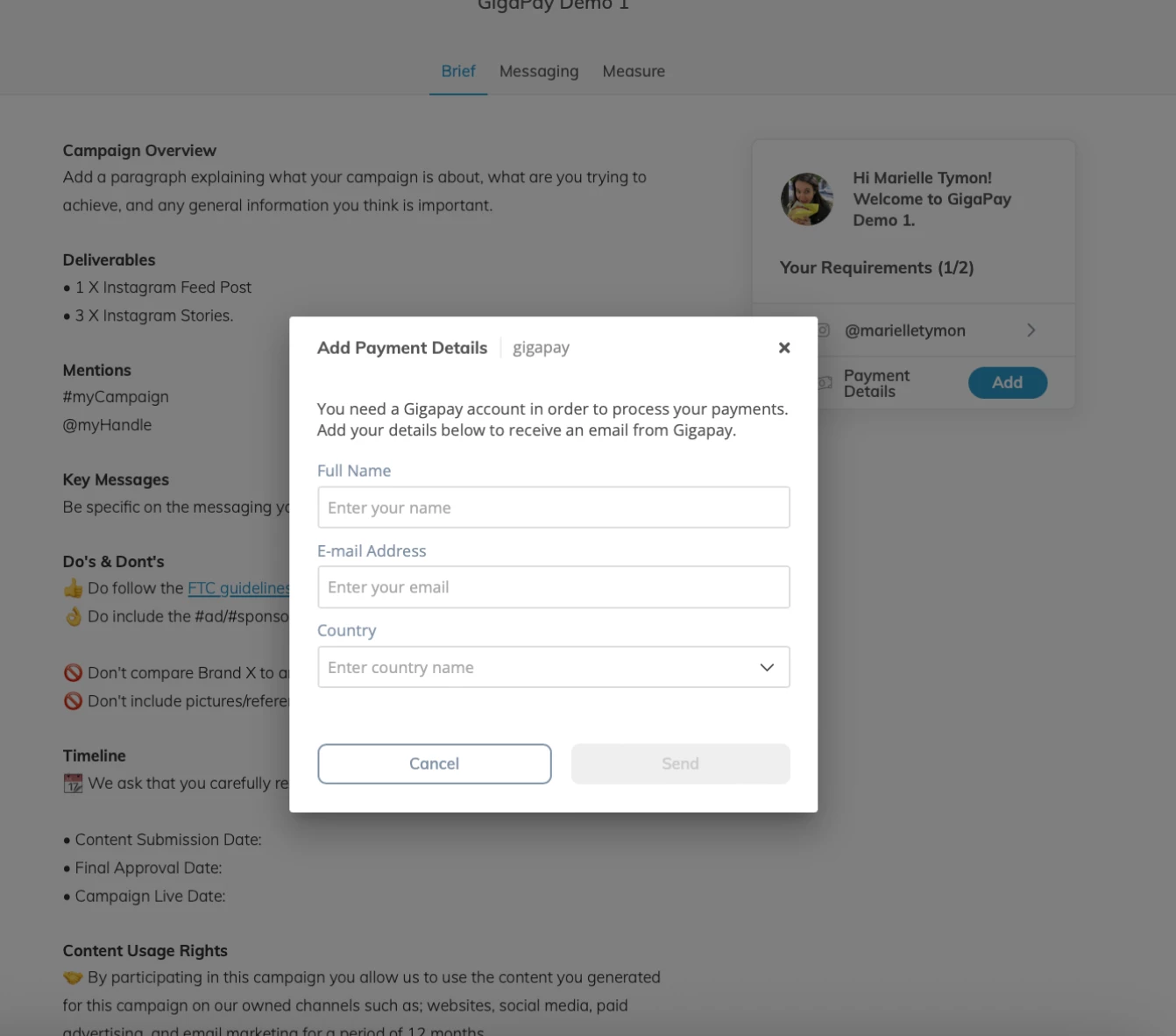
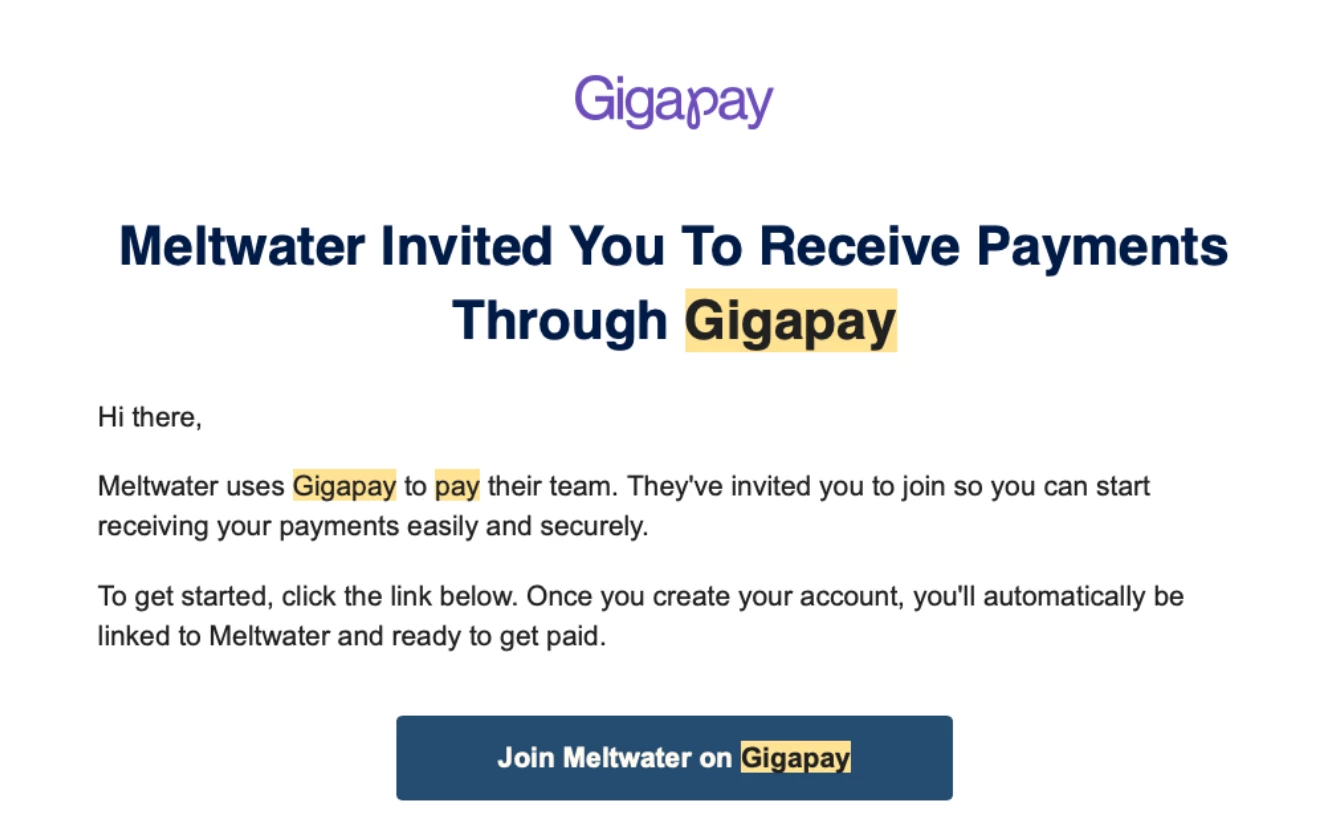
Once complete, you'll receive an email from Gigapay with instructions to finish onboarding in Gigapay's secure portal.
You'll be asked to:
- Verify your account
- Submit payment information
- Complete any required compliance steps
Once onboarding is complete, you'll be eligible to receive payments from brands using Gigapay.
Step 3: Receive Payment
Once the brand initiates a payment through Klear, you'll receive a notification and can track your payment through the applicable payment provider.
Payment timing is determined by the brand and may occur before, during, or after campaign deliverables are completed.
Tipalti
-
Payments are processed through the brand's payment workflow. Once approved, payment will be sent using your selected payment method.
Gigapay
-
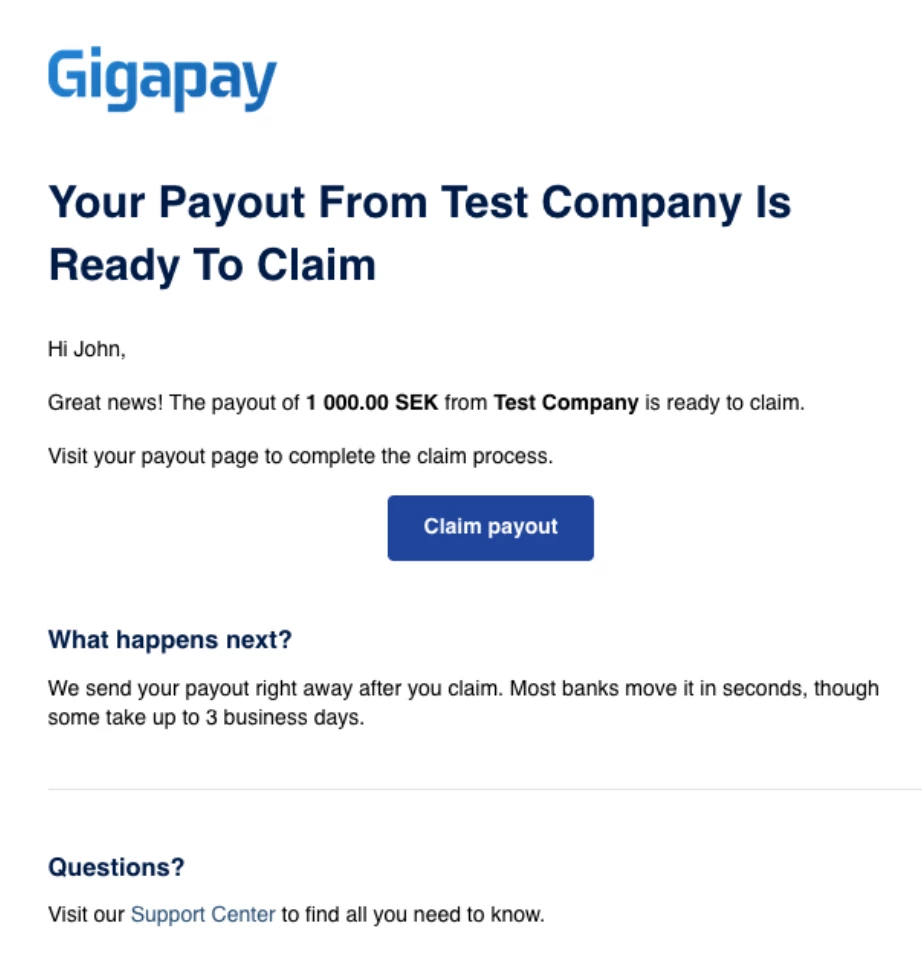
Once the brand releases payment, you'll receive an email from Gigapay with instructions to claim your payout.
FAQs
Why do I need to provide tax information?
Payment providers are required to collect tax and compliance information to meet local regulations.
Who should I contact if I have payment questions?
For payment status questions, contact the brand managing the campaign. If you receive onboarding emails from Tipalti or Gigapay, those providers may also offer direct support for account-related questions.
Additional Resources
Gigapay Onboarding FAQs and guides for creators